

Starting a blog in 2026 is still a good idea, but the platform you pick on day one will either set you up for growth or quietly work against you. This guide cuts through the noise: which free platforms are worth your time, what SEO means for a beginner (and what you can ignore for now), and how to publish your first post without spending a cent.
Is Blogging Still Worth Starting in 2026?
You've probably heard the takes. "AI killed blogging." "Nobody reads blogs anymore." "You're too late."
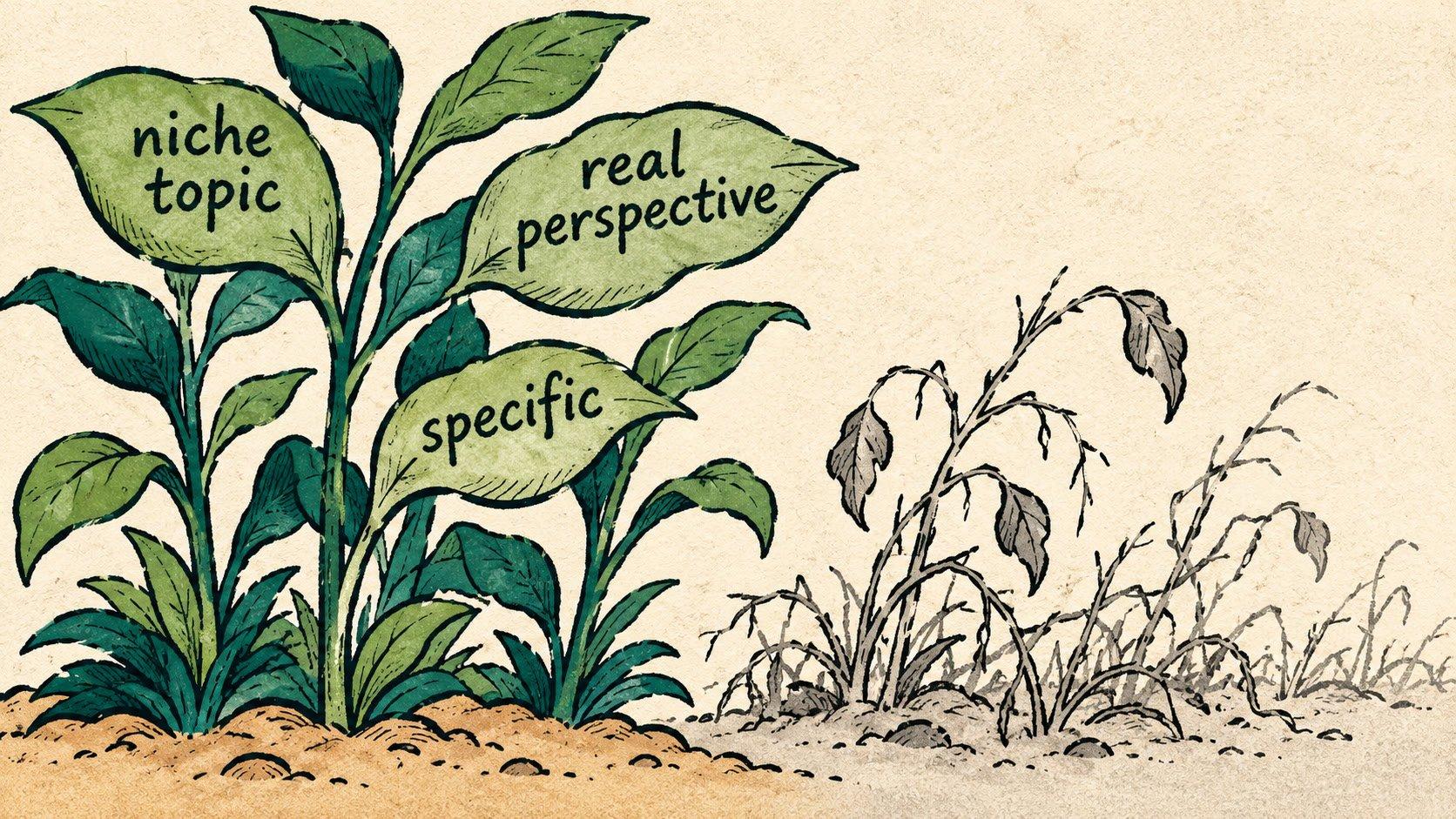
Here's the more accurate version. The blogs that are dying are thin, low-effort content farms. Personal blogs, niche authority sites, and small business blogs with a real point of view are doing fine. Some are growing.
The honest answer to "is blogging going away?" is no. It's just getting harder to get away with being mediocre. If you have something specific to say to a specific audience, a blog is still one of the best ways to build an audience and eventually a business around it.
The bloggers who struggle usually made one of two mistakes: they picked the wrong platform from the start, which made SEO harder than it needed to be, or they tried to write for everyone and ended up mattering to no one.
Both of those are avoidable.
Before You Pick a Platform: Know What You Want
Blogging tools are not one-size-fits-all. Before you sign up for anything, answer this honestly:
Are you primarily building an audience through email, through search, or both?
Email-first: You want to send posts as newsletters and grow a subscriber list. Substack or Beehiiv make more sense.
Search-first: You want people to find you on Google when they search for things you write about. You need a platform with solid SEO features built in from the start.
Both: You need a platform that handles search well and also has RSS or newsletter integration.
Most beginners say "both," but be honest with yourself. If you're writing about a niche topic and want organic traffic over time, search is probably your primary channel. That means the platform's SEO defaults matter more than the subscriber count features.
Which Free Blogging Platform Should You Use?
Here's a quick overview of the most common options beginners reach for, with the specifics most guides skip over.
| Platform | Free tier? | Custom domain on free plan? | SEO features | Best for |
|---|---|---|---|---|
| Blogger | Yes (unlimited posts, no traffic limits) | Yes | Minimal (no structured data, no IndexNow) | Hobby blogs, zero monetisation plans |
| WordPress.com | Yes (limited, with forced ads) | No (paid plans from $4/month billed annually) | Good on paid plans, weak on free | Beginners willing to pay eventually |
| Substack | Yes | Subdomain only | Poor for search | Newsletter-first creators |
| Medium | Yes | No (always medium.com/username) | Medium gets the SEO, not you | Writing to an existing audience |
| Outrank Blogs | Yes (up to 10,000 visits/month, unlimited posts) | Yes (free subdomain or connect your own) | Strong: sitemap, RSS, structured data, IndexNow all built in | Beginners who want SEO from post one |
Blogger: Free, But Read the Fine Print
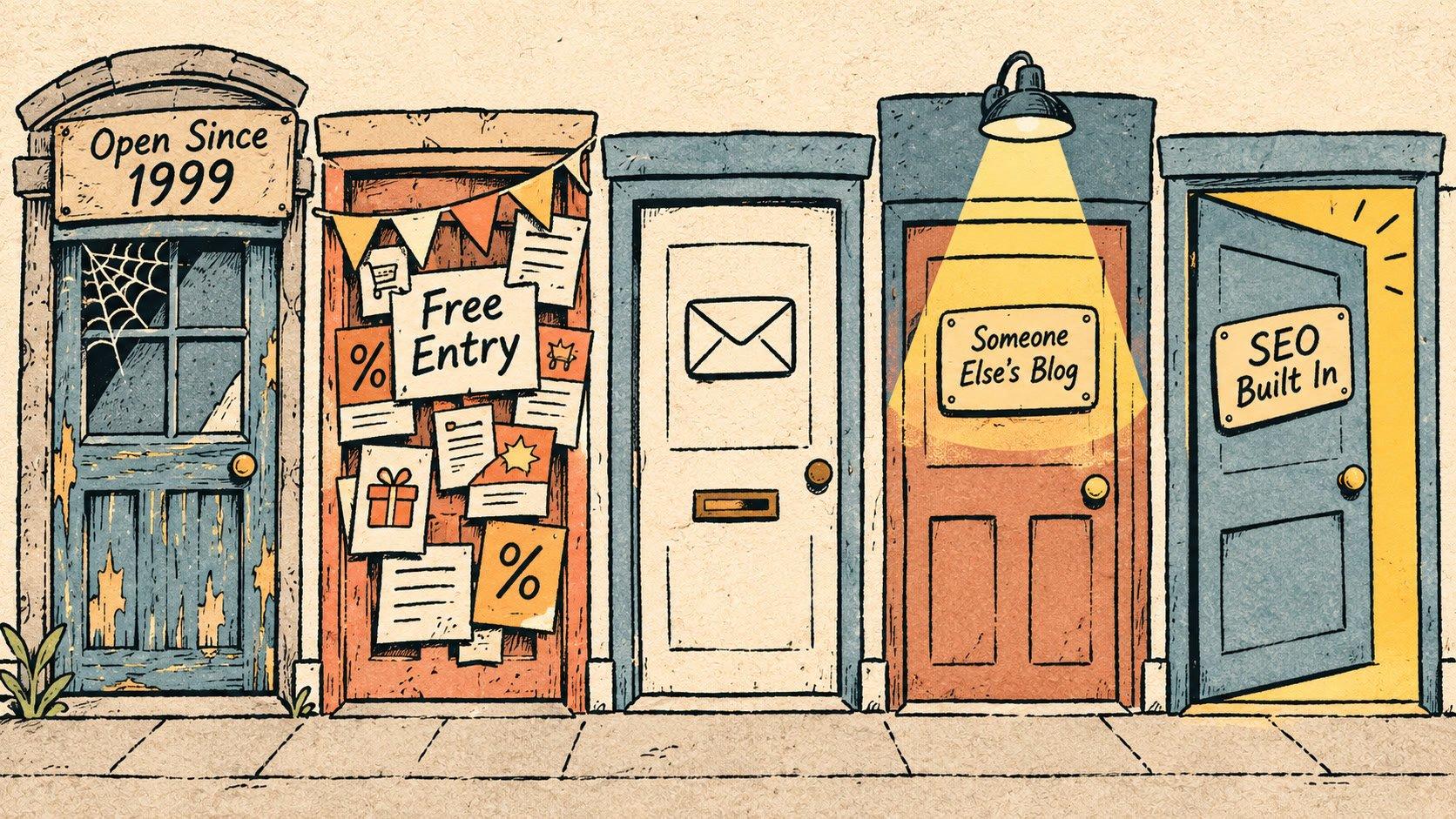
Blogger is a Google product. It has been around since 1999, it is completely free, and yes, you can connect a custom domain without paying anything.
The catch: Google has not invested seriously in Blogger for years. The editor is clunky. There is no built-in structured data for your posts, no IndexNow support, and no clean sitemap generation out of the box. For search traffic, that means doing manually what other platforms handle automatically.
Is Blogger good for beginners? For someone who wants to publish casually with no growth ambitions, sure. For someone who wants Google to actually find and index posts quickly, it is a frustrating starting point.
Is Blogger 100% free? Yes, with the blogspot.com subdomain and even with a custom domain. But "free" does not mean "good for getting found." See our full Outrank Blogs vs Blogger comparison for a side-by-side breakdown.
WordPress.com: The Free Tier Is a Trap
WordPress.com (the hosted version, not self-hosted WordPress.org) has a free plan. It includes ads on your blog, forces a wordpress.com subdomain, and does not let you install plugins. The custom domain upgrade starts at $4/month billed annually ($9/month on monthly billing).
If you're willing to pay eventually, WordPress.com is a solid choice. If you want to start free and stay free while building search traffic, the free tier works against you. Ads on your blog signal low quality to visitors, and no custom domain means your SEO authority sits on their domain, not yours. Full comparison here: Outrank Blogs vs WordPress.com.
Substack: Newsletter-First, Not Search-First
Substack is excellent for writers who want to build an email subscriber list and monetise through paid subscriptions. It takes a 10% cut of paid subscription revenue, plus Stripe's standard payment processing fees.
What Substack is not good at: showing up in Google search results. Posts on Substack can get indexed, but the SEO defaults are weak and there is no real way to customise them. If you want someone who searches "how to [your topic]" to find you, Substack is not the right tool.
Medium: Audience Without Ownership
Medium has a built-in readership. If you publish a solid post and it gets picked up by a Medium publication, you can get eyeballs quickly.
The problem: all the SEO value from your posts goes to medium.com, not to you. When you eventually want your own site, you cannot take the domain authority with you. Medium also changed its monetisation rules several times in recent years, so building your livelihood on their platform carries real risk.
Good for testing ideas and getting early readers. Not good for building a long-term search presence you actually own.
Outrank Blogs: Built for SEO from Day One
Outrank Blogs is a free hosted blog builder that includes the SEO infrastructure most platforms charge for or leave out entirely. The free plan covers up to 10,000 visits per month with unlimited posts. You can use a free outrankblog.com subdomain or connect your own domain at no extra cost.
What comes built in without any setup: sitemap generation, RSS, structured data (so Google understands what your posts are about), and IndexNow (which notifies search engines the moment you publish, so indexing is faster).
The editor is block-based, similar to what you would find in Notion or modern WordPress. It is not buried in settings.
For beginners who want their blog to be findable from post one, without paying anything or installing plugins, it is the most practical starting point we have found. See how it compares across the full set of free options in the best free blogging platforms roundup.
SEO for Your Blog: The Short Version
SEO stands for search engine optimisation. For a beginner, it means: how do you write posts that show up when someone searches for your topic?
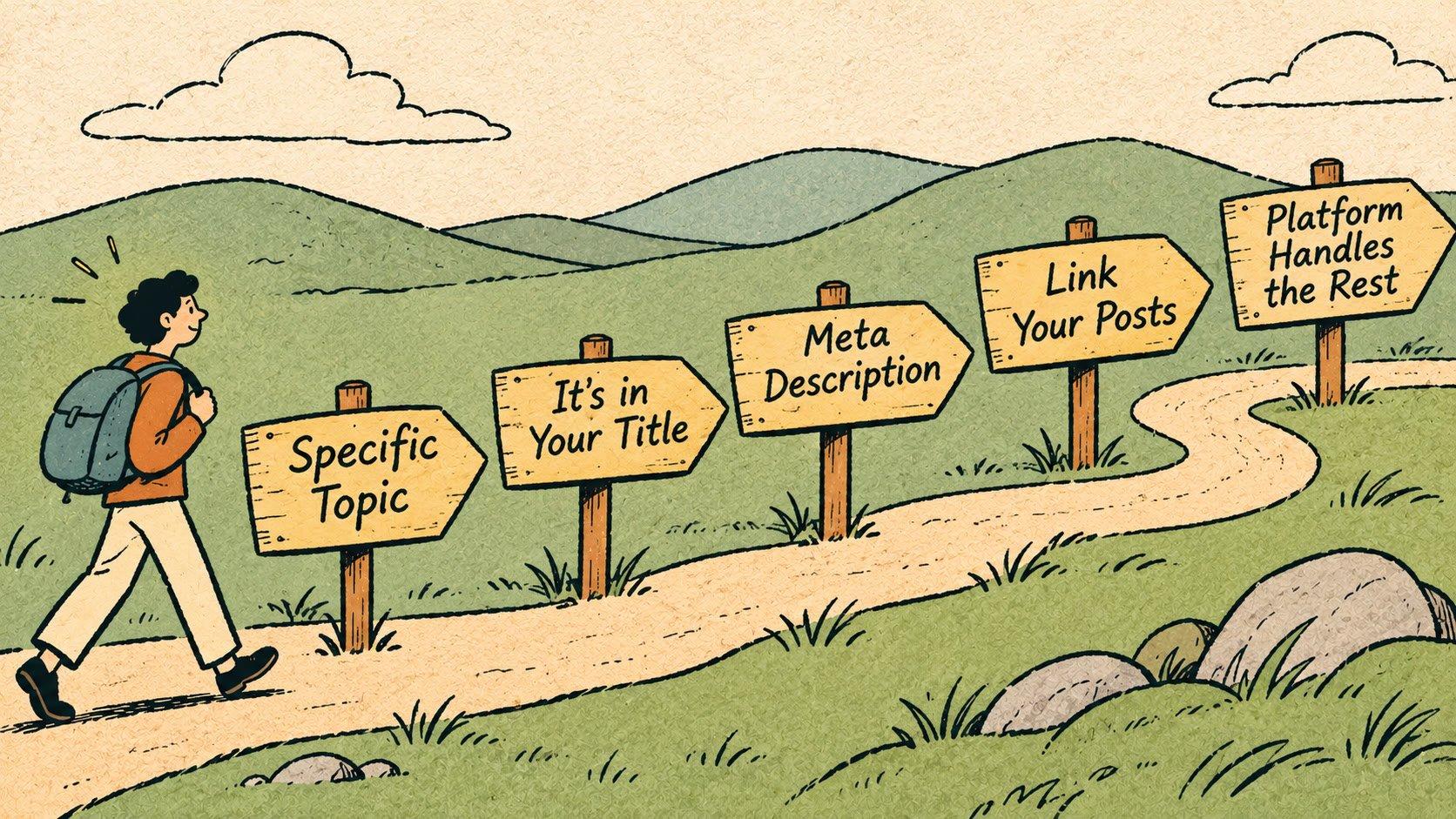
You do not need to master everything at once. Here is what actually matters in the first six months:
Write about specific things, not broad things. "Best hiking trails in Coorg" beats "hiking tips." Specific topics are easier to rank for and more useful to readers.
Use your topic in your post title. If the post is about cold brew coffee ratios, put "cold brew coffee ratio" in the title.
Write a decent meta description. It is the two-line preview under your result in Google. It does not directly affect ranking, but it affects whether people click.
Link between your posts. When you write your fifth post, link back to your first if it is relevant. This helps Google understand your site structure.
Let the platform handle the technical defaults. Sitemap, structured data, IndexNow: these are set-and-forget on platforms that include them. If you are on a platform that does not, you will be adding these manually or skipping them entirely.
A note on structured data: it is code that tells Google what your post is about (an article, a recipe, a product review). Google uses it to generate rich results like FAQ boxes and article metadata in search. Most beginner platforms skip it. Platforms like Outrank Blogs include it without any configuration.
How Often Should You Post?
This is one of the questions beginners get most stuck on.
The honest answer: consistency matters more than frequency.
One well-written post a week beats three rushed ones. And three posts a month that you actually publish beats a weekly schedule you abandon in month two.
A realistic starting target for most beginners: one post per week, 800 to 1,500 words, on a specific topic you know well. Build from there once publishing feels routine.
There is no SEO penalty for posting less frequently. There is a penalty for publishing thin content just to hit a quota.
Why Trust This Article
We built Outrank Blogs, so we have an obvious stake in this. We have tried to be direct about where competitors are genuinely better: Substack is the right call if email is your whole strategy; Medium is worth using if you want early distribution and do not care about owning your SEO long-term.
What we evaluated here: pricing (including free tier real limits, not just "free" labels), custom domain support on the free plan, SEO features included without paying or installing anything, and the actual editor experience for a beginner.
Outrank Blogs fits this use case because the free plan includes the SEO infrastructure that other platforms either charge for or skip entirely. That is the specific problem we built it to solve.
Get Your Blog Live Without the Setup Headaches
If you are a beginner who wants to publish and actually get found, here is the short version:
Pick a topic you can write about specifically and consistently. Set up on a platform that handles the SEO plumbing for you. Write your first five posts before worrying about analytics, monetisation, or social media.
The biggest thing that kills new blogs is not lack of traffic in month one. It is the platform setup friction that stops people from ever publishing anything.
Start your free blog on Outrank Blogs and get your first post live today. If you want to explore more options first, the alternatives hub covers the full landscape.
Once you have picked your platform, the step-by-step guide to starting a blog for free walks through the actual setup from account creation to first published post.
Frequently Asked Questions
Is blogging going away in 2026?
No. Blogging as a format is evolving, not dying. AI-generated thin content is getting harder to rank, which means well-written, specific blogs have less low-quality competition to beat. Personal blogs, niche authority sites, and small business blogs with a real point of view are still growing audiences and driving revenue in 2026.
Is Blogger good for beginners?
Blogger is free and lets you connect a custom domain at no cost, which puts it ahead of some competitors on price. The drawback is that Google has not updated Blogger in years: the editor is dated, there is no built-in structured data, no IndexNow, and no clean SEO tooling. For a hobby blog with no growth goals, it works. For anyone who wants search traffic, the lack of modern SEO defaults is a real obstacle.
Is Blogger 100% free?
Yes. Blogger is free for unlimited posts with no traffic limits, and you can connect a custom domain without paying. The limitation is not cost; it is the missing SEO features and the platform's age.
How often should I post on my blog?
Consistency matters more than frequency. One well-written post per week is a solid target for beginners, but one good post every two weeks beats three thin posts a week. There is no SEO rule requiring a specific cadence. What matters is publishing regularly enough that Google sees your site as active, and writing well enough that readers return and share.
What is SEO for blogging?
SEO (search engine optimisation) for blogging means writing posts that search engines can find, understand, and rank for the topics you cover. At a beginner level, that means using your target topic in your post title and opening paragraph, writing a clear meta description, linking between your posts, and using a platform that generates a sitemap and structured data automatically. Starting on a platform that handles the technical defaults covers most of the basics without any configuration.
Do bloggers really make money?
Yes, but the timeline is usually longer than most "how to make money blogging" content implies. Most bloggers who earn significant income have been publishing consistently for one to three years. The main income streams are affiliate marketing, display ads, sponsored posts, digital products, and services. The blogs that earn fastest are usually niche-specific rather than general-interest.
How long should a good blog post be?
It depends on the topic and what is already ranking for it. For most beginner blog posts, 800 to 1,500 words is enough to cover a topic properly without padding. Some posts on complex topics warrant 2,000 to 3,000 words. Write as long as the topic needs, then stop. Length for its own sake does not help rankings; relevance and specificity do.