If you've searched "free WordPress blog," you already know the pull. WordPress powers around 43% of all websites. The name feels like a safe bet.
But the free WordPress experience is more limited than most people expect, and the gap between "free" and "actually useful for building an audience" opens up fast. This is a breakdown of what you're really signing up for, where the friction shows up, and whether it still makes sense for what you're trying to build.
There Are Two "WordPresses" and the Difference Matters
Before anything else, this distinction will save you a lot of confusion.
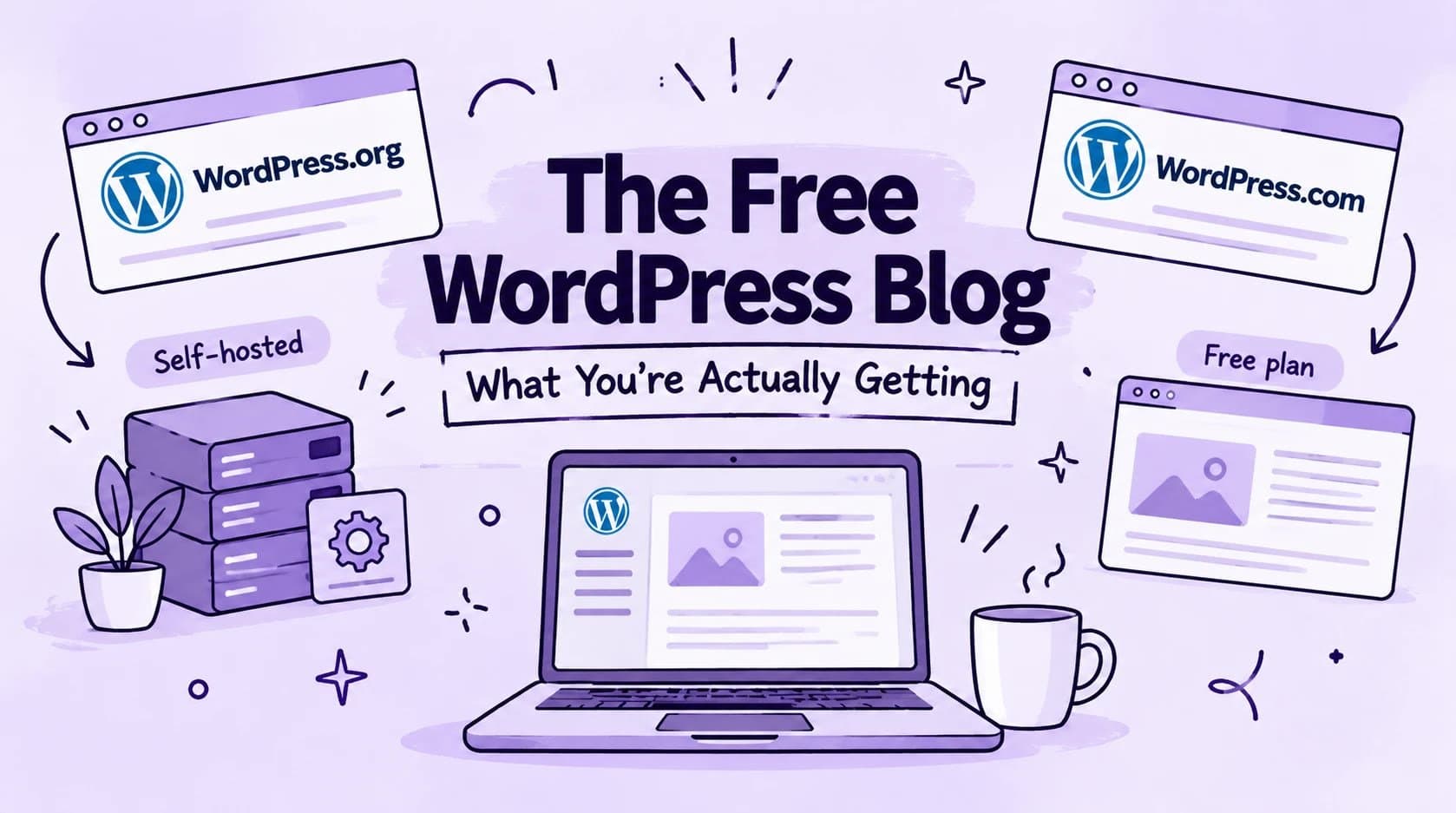
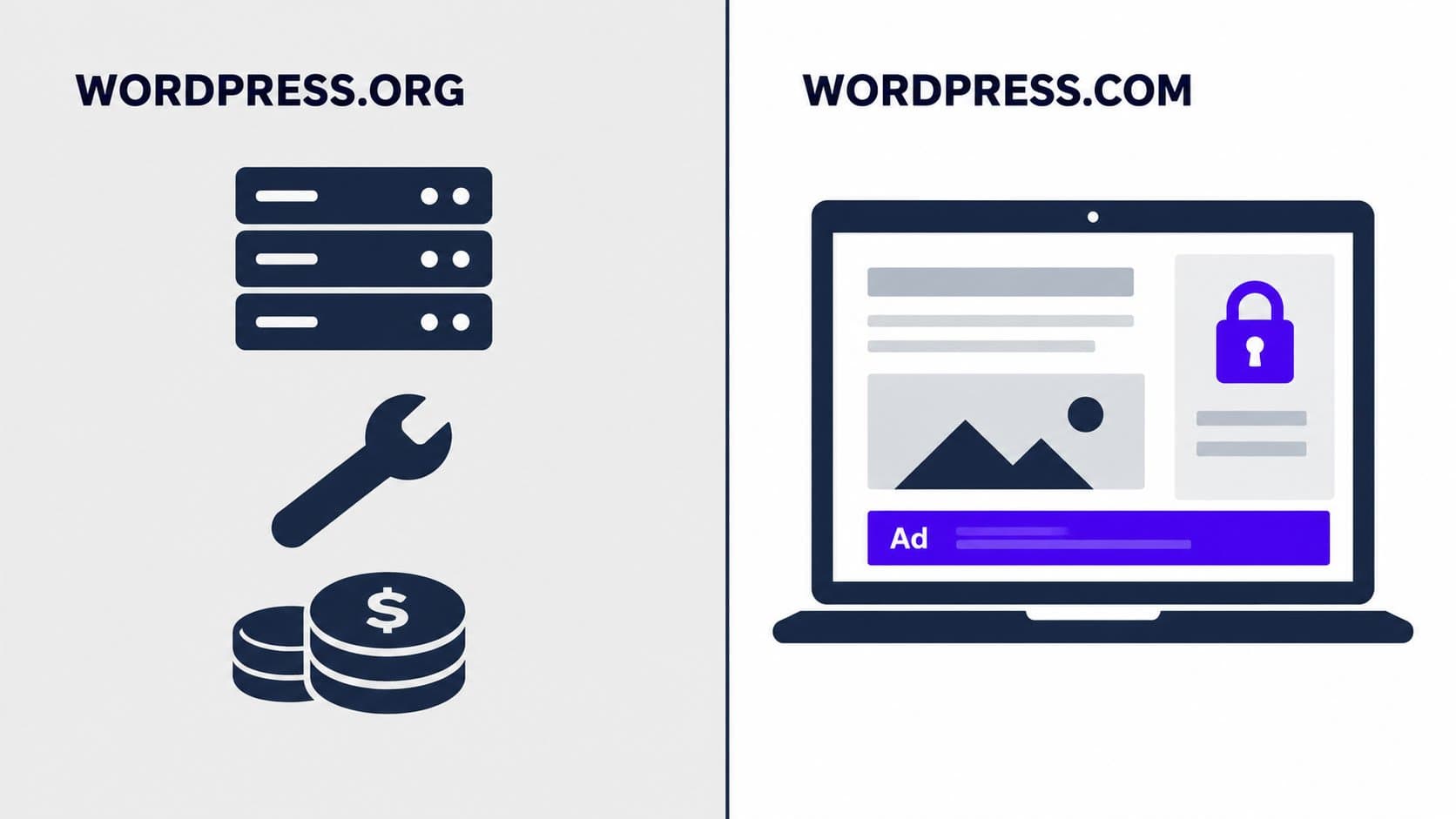
WordPress.org is the open-source software. You download it, you install it on web hosting you've paid for, you buy a domain separately. It's the powerful, customizable, plugin-rich WordPress people rave about. It's also not free in any meaningful sense: hosting runs $5 to $15 a month, domains cost $12 to $15 a year, and a decent theme can cost extra.
WordPress.com is the hosted platform. Sign up, pick a theme, start publishing. No servers to manage. This is where the free plan actually lives, and it's what most people searching for a "free WordPress blog" are looking for.
They share a name but they're genuinely different products. Almost everything that makes WordPress powerful (plugins, full theme control, SEO tooling) belongs to WordPress.org. Almost everything that's actually free belongs to WordPress.com, with limits.
What the Free WordPress.com Plan Includes
Here's the full picture, no vague handwaving:
| Feature | WordPress.com Free |
|---|---|
| Price | $0 |
| Hosting | Included |
| Your domain | yourname.wordpress.com (subdomain) |
| Custom domain support | Not on free plan |
| Posts | Unlimited |
| Storage | 1 GB |
| Themes | Limited free selection |
| Plugins | Not available |
| Ads on your blog | Yes (WordPress.com runs ads on your site) |
| SEO tools | Basic title/meta fields only |
| XML sitemap control | Minimal |
| Structured data | No |
| Analytics | Basic stats |
The plan is genuinely free. No credit card, no hidden trial countdown. But that table has some entries worth spending a minute on.
How to Start a Free WordPress Blog
The actual setup takes about five minutes. Here's the short version:
Go to WordPress.com and click "Get Started" or "Create Account."
Select "Create a site for myself" and choose the "Start with Free" option on the plan selection screen.
Pick a free subdomain name (yourname.wordpress.com). Skip any paid domain options when they appear.
Choose a free blog theme and add your site title.
Your blog is live. Click "Write" in the dashboard to publish your first post.
The dashboard is relatively intuitive: your post editor is a click away from the top bar, Appearance handles themes and colors, and Settings covers your title, tagline, and basic visibility options. For the free plan, that's most of what's available.
The Parts That Actually Sting
Your subdomain belongs to them, not you
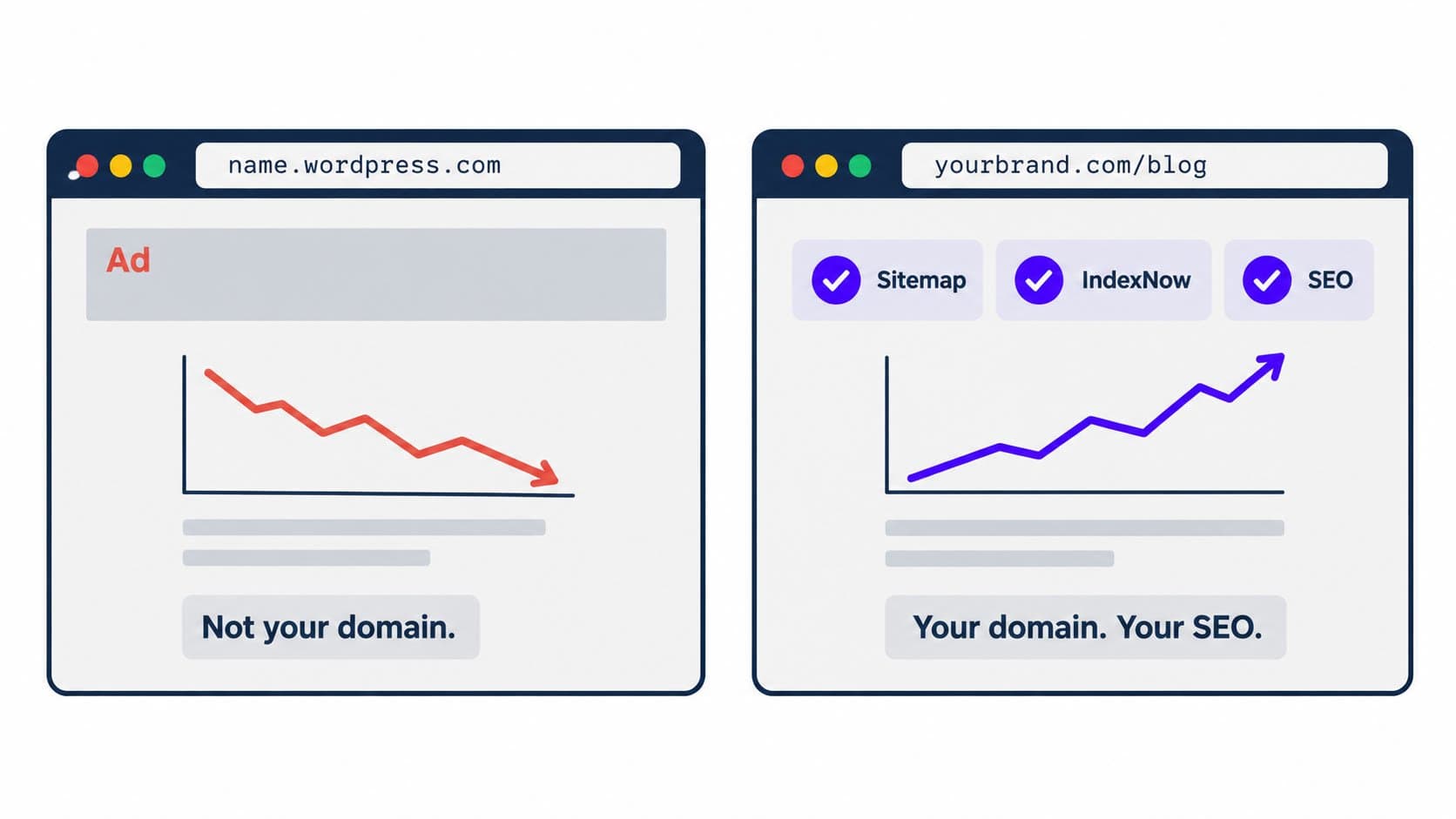
Your blog lives at yourname.wordpress.com. That's a subdomain on Automattic's domain, not yours. You can't move it to a custom .com without upgrading. You can't point your own domain to it without paying.
This matters for two reasons. First, any SEO equity you build over time accrues to a domain you don't own. Second, if you ever want to migrate your blog somewhere else, you're starting that process by explaining to readers that your address changed.
No plugins, full stop
The WordPress.org plugin ecosystem (60,000+ plugins, including every SEO tool, contact form, email opt-in, and analytics integration you've ever heard of) is locked out entirely on the free plan. This is the biggest practical limitation and the one most guides gloss over.
Rank Math, Yoast, WooCommerce, any email list builder: none of it. Not on free.
WordPress runs ads on your readers
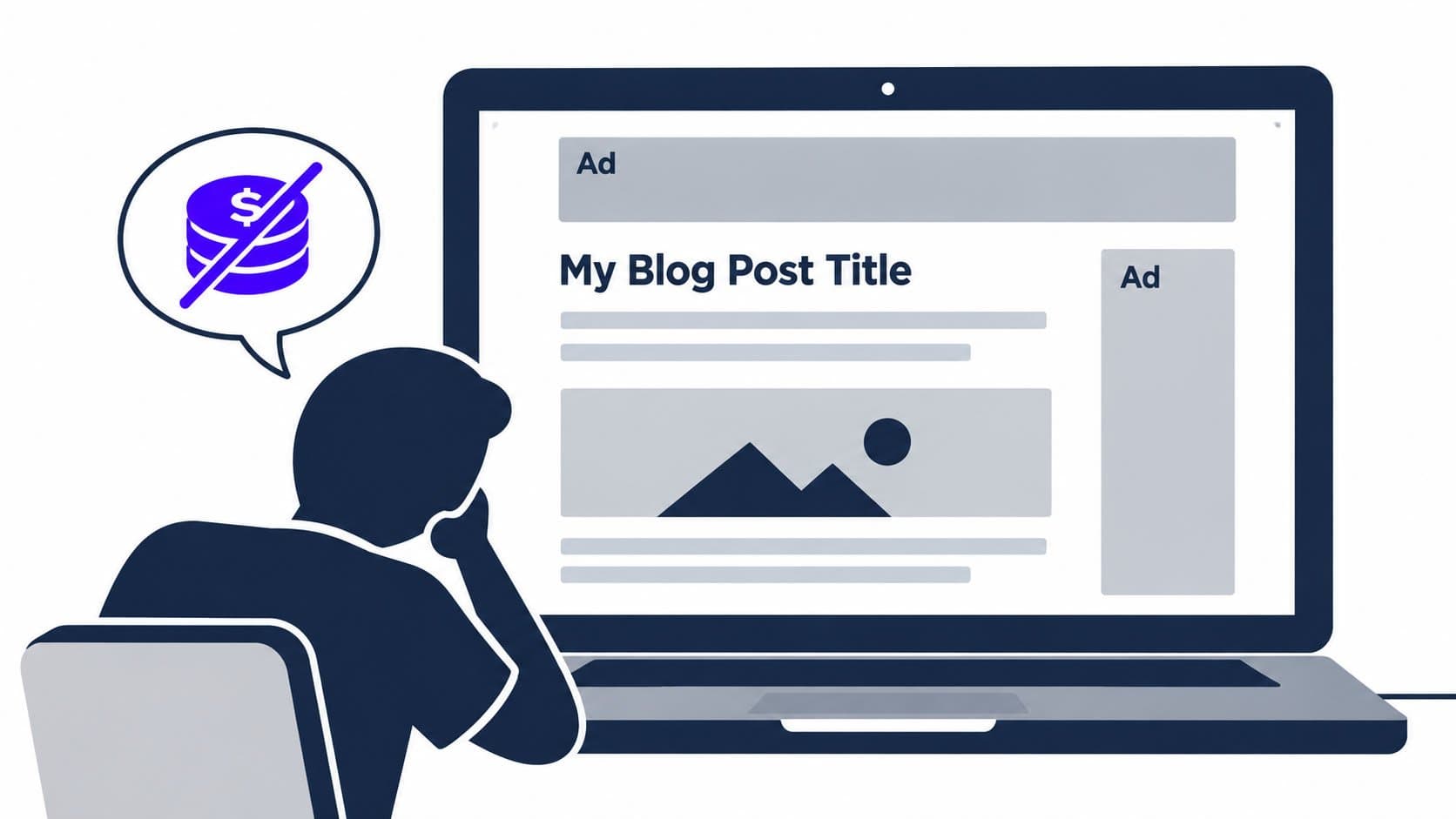
This catches people off guard. When you're logged into your own blog, you don't see any ads. Your readers do. WordPress.com serves their own advertising on free blogs to offset hosting costs, and you don't see any of that revenue.
If you're building something you want readers to take seriously, that's a problem from day one.
SEO tooling is minimal
There's a basic title field and meta description field. Beyond that: no structured data (schema markup), no control over how your sitemap is generated, no IndexNow integration to notify search engines of new posts. For a blog where organic traffic is part of the plan, those gaps compound over time.
Who Actually Gets Value from a Free WordPress Blog
To be fair: not everyone needs the full toolkit on day one.
The free plan makes sense if:
You're testing whether you'll actually stick with blogging before spending anything
You're writing for a small private audience where traffic doesn't matter
You're a student or beginner who needs a portfolio of published work and isn't yet thinking about search
What it's not right for: anyone who wants their blog to grow, get found through search, look professional without ads, or be portable later. Those goals run into real walls on the free tier.
Why People Are Moving On
One of the top follow-up searches on this SERP is "why are people moving away from WordPress?" That's not a coincidence.
The pattern is consistent: someone starts a free WordPress blog, it works fine initially, then they hit a wall. They want a plugin. They want their own domain. They want to remove ads. At that point, the upgrade path starts at $4 a month (billed annually) for the Personal plan, where plugins and a custom domain become available, or $8 a month for Premium for advanced design tools and theme customization.
The platforms people are moving to are mostly landing in two categories: newsletter-first tools like Substack, which trade SEO for built-in audience distribution, or lighter-weight hosted blog tools that include more out of the box at the free tier.
What Outrank Blogs Gets You at $0
If what you're actually after is a free, hosted blog that's built to be found through search, our free plan is worth a look.
Outrank Blogs' free plan ($0, up to 10,000 visits/month, unlimited posts) includes things that are paywalled or unavailable on WordPress.com's free tier:
Automatic XML sitemap, RSS feed, and structured data, included from day one, no plugin required
IndexNow integration so search engines pick up new posts faster
No ads shown to your readers (free blogs carry a small "Published with Outrank" badge in the footer instead)
A block-based editor that works without plugins for the basics
A subdomain at outrankblog.com with the option to connect your own domain or subfolder, also for free
You're not hunting for plugins to cover SEO basics. The infrastructure is just there.
When your blog is getting traction and you want to grow faster than you can write, the Organic Growth plan ($99/month) adds 30 AI-written SEO articles per month, keyword research, automatic internal linking, and backlinks. That's the upgrade path. But for getting started, the free plan is a complete starting point, not a watered-down version of something else.
Head-to-Head: Outrank Blogs vs. WordPress.com Free
| WordPress.com Free | Outrank Blogs Free | |
|---|---|---|
| Price | $0 | $0 |
| Monthly visit limit | None stated | 10,000 |
| Posts | Unlimited | Unlimited |
| Subdomain | yourname.wordpress.com | yourname.outrankblog.com |
| Custom domain | Requires paid plan | Supported (free) |
| XML sitemap | Basic | Automatic |
| Structured data (schema) | No | Yes |
| IndexNow integration | No | Yes |
| Ads on your blog | Yes | No |
| Footer branding | None | Small badge |
| Plugin ecosystem | Not available | Not applicable (built-in) |
| SEO tools out of the box | Minimal | Included |
Outrank Blogs vs. WordPress.com comparison
Why Trust This Article
This comparison is based on WordPress.com's published feature list and pricing page, checked directly in October 2026. We evaluated both platforms on the same criteria: what's included at $0, who owns the domain, what SEO tooling is available, whether plugins are accessible, and whether ads appear for readers. Plan details on both sides can shift over time, so verify current terms at outrank.so/free-blog and wordpress.com/pricing before citing specific figures.
Frequently Asked Questions
Is a free WordPress blog actually free?
Yes. WordPress.com's free plan requires no credit card and no payment to start. What's not free: a custom domain (requires a paid upgrade), plugin access (unavailable on free), and an ad-free experience for your readers (WordPress.com runs its own ads on free blogs). The plan is free; building a fully functional blog on it isn't.
What's the difference between WordPress.com and WordPress.org?
WordPress.org is open-source blogging software you download and install on your own web hosting. WordPress.com is a hosted platform built on that software, with a free tier and several paid tiers. They share a name and a visual interface but are different products. The free hosted plan is WordPress.com. The powerful, plugin-rich version most tutorials describe is WordPress.org, which requires paid hosting.
Can I use my own domain name on a free WordPress blog?
No. The free plan gives you a subdomain at yourname.wordpress.com. To connect a custom domain like yourbrand.com, you need to upgrade to a paid WordPress.com plan. If owning your domain from the start matters (for SEO, for branding, for portability), factor that cost in from day one or choose a platform whose free tier includes it.
Does WordPress put ads on free blogs?
Yes. WordPress.com displays its own advertising on free plan blogs to cover hosting costs. You don't see these ads when you're logged in. Your readers do. You don't receive any of the ad revenue. Paid plans starting at $4 a month (billed annually) remove these ads.
What SEO features do you get with a free WordPress blog?
Basic ones only. There's a title field and meta description field per post. No structured data, no sitemap customization, no IndexNow integration, no keyword tooling. For a blog where search traffic is the goal, these limitations are meaningful and accumulate over time.
What are the best free alternatives to WordPress.com for blogging?
For newsletter-first publishing with a built-in audience: Substack (though you trade SEO for distribution). For a simple, no-frills personal blog: Blogger. For a hosted blog with SEO infrastructure (sitemap, structured data, IndexNow) included at no cost: Outrank Blogs, with a free plan covering up to 10,000 visits a month and unlimited posts. For writing with a built-in readership: Medium, though you don't own your audience there.
Is blogging still worth it in 2026?
Yes, but the platform you start on determines whether the work compounds. A blog on a domain you own, with a sitemap, structured data, and IndexNow set up from day one, builds search traffic steadily over time. A blog on a borrowed subdomain without those basics starts at a disadvantage that's hard to close later. The question isn't really whether to blog; it's whether the platform you choose is helping or getting in the way.