Squarespace has a real blog. It works, it looks good, and you can set it up in under ten minutes. Whether it's the right place for your writing is a different question entirely.
If you want a polished website with a blog attached and cost is not your main concern, Squarespace is a genuinely solid choice. If you are primarily a writer trying to build an audience through search, or you want a blog on a domain that isn't hosted on Squarespace, there are better options at a lower price.
Here is the honest breakdown.
Squarespace Blog vs. Free Alternatives: At a Glance
| Squarespace (Basic) | Outrank Blogs (Free) | Ghost (Starter) | |
|---|---|---|---|
| Starting price | $19/month (billed annually) | $0 | $18/month (billed annually) |
| Blog included | Yes | Yes | Yes |
| Custom domain | Yes (paid plans only) | Free (subdomain or own domain) | Yes |
| Blog at yoursite.com/blog | No (requires Squarespace hosting) | Yes, free | Business plan add-on only |
| Free plan | No | Yes, up to 10,000 visits/month | No (14-day trial) |
| AI-written SEO articles | No | Optional at $99/month | No |
| Sitemap, structured data, IndexNow | Partial | Yes, automatic | Yes |
| Newsletter sending | No (third-party integration) | No (collects subscribers) | Yes |
What Squarespace's Blog Actually Does
Squarespace's blog is built into the platform, no plugin or third-party install required. You add a blog page from your dashboard, pick a layout, and start writing.
The core experience is clean:
A block-based classic editor for writing and formatting posts
Categories, tags, scheduling, and author profiles
Featured images, URL slugs, and per-post SEO title and meta description fields
RSS feed and sitemap generated automatically
Member paywalls on higher plans for gating content
The editor is not Squarespace's newer Fluid Engine drag-and-drop tool. Blog posts use the older classic editor, which is more limited for layout control. Most writers will not miss what they never had, but it is worth knowing if you were expecting the full page-builder experience.
For a business blog, a portfolio with occasional writing, or a creative site where the blog supports other content, this setup is more than enough.

Where It Falls Short for Writers
A few things that matter more once you are actually growing:
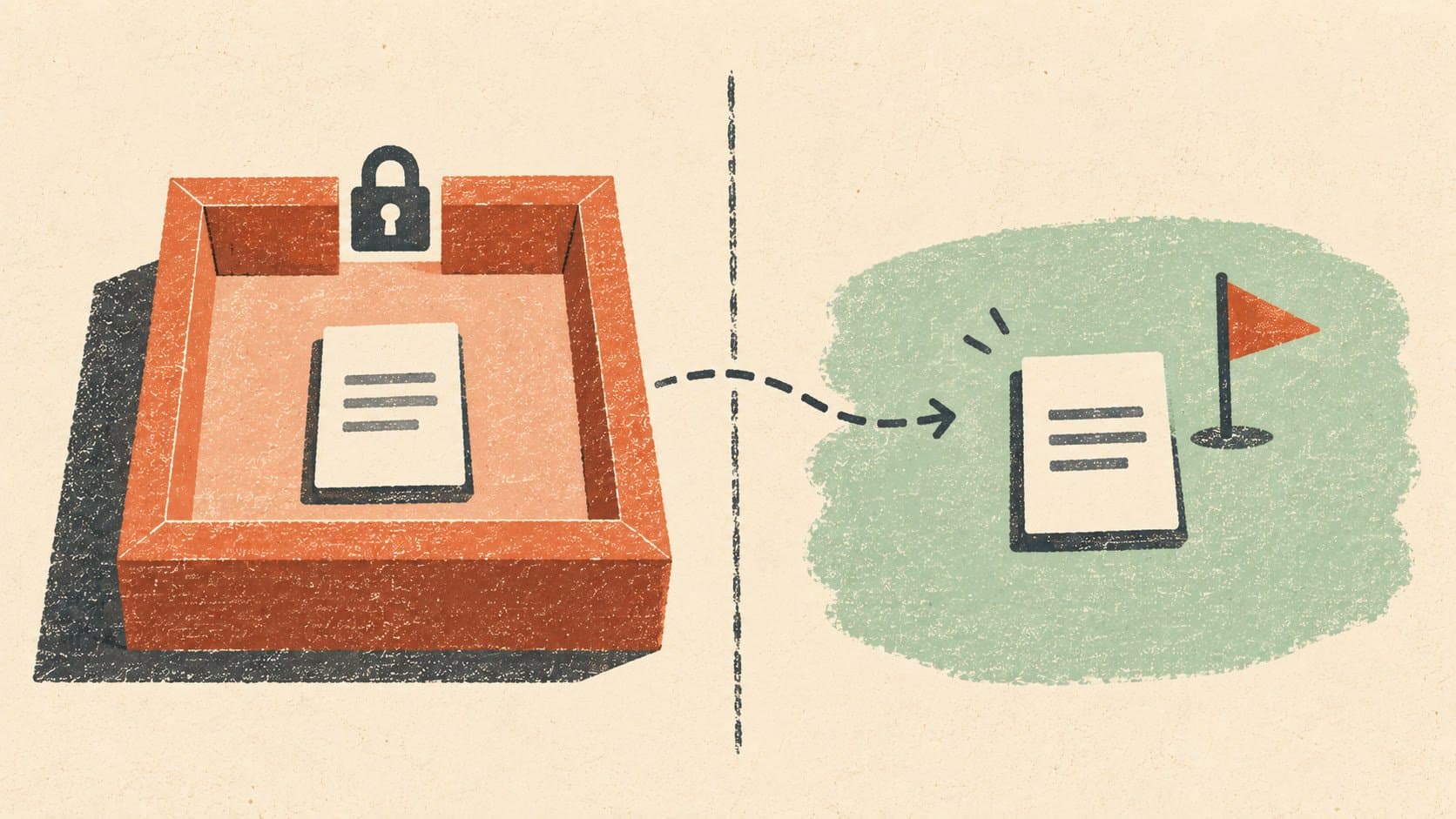
The blog cannot live somewhere else. Squarespace's blog is part of a Squarespace website. You cannot use it as a standalone blog at yoursite.com/blog if your main site runs on Webflow, Framer, a custom Next.js build, or anything else. The blog lives on Squarespace infrastructure. Full stop.
This is the single biggest practical limitation for developers and technical founders who already have a site and just want to bolt on a blog.
SEO control is surface-level. Title tags, meta descriptions, image alt text: editable. Custom robots.txt, IndexNow, advanced redirects, full schema customization: not readily available, or locked behind higher plans. Squarespace improved its Core Web Vitals performance through 2024 and 2025, so a well-maintained Squarespace site can pass Google's benchmarks. But the SEO ceiling is lower than on a self-hosted setup or a dedicated blog platform built specifically around search.
No automated content. Squarespace has added AI credits for design and copy generation, and an AI Visibility tool that tracks brand mentions in AI search results. Neither is automated content writing. There is no keyword research, automatic internal linking, or AI article generation built into any Squarespace plan. Every post is still a manual effort.
You are paying for a full website builder. The cheapest Squarespace plan is $19/month billed annually. That covers hosting, templates, e-commerce basics, the website builder, and the blog together. If the blog is all you need, you are paying for a lot of features you will not use.
The Real Cost Breakdown
Squarespace's pricing is all-in, which is genuinely convenient. One bill, everything included.
| Plan | Price (annual billing) | What it adds for bloggers |
|---|---|---|
| Basic | $19/month | Blog, 2 contributors, SEO tools |
| Core | $29/month | Unlimited contributors, code injection, advanced analytics |
| Plus | $49/month | Lower transaction fees, 40 AI credits/month |
| Advanced | $99/month | Lowest fees, 120 AI credits/month, no membership transaction fees |
The Core plan is where most bloggers end up once they have more than one person publishing or need code injection for custom analytics and scripts. That puts the real entry point for a collaborative or technically flexible blog at $29/month, not $19.
For comparison: a dedicated hosted blog on your own domain costs $0 on Outrank Blogs' free plan up to 10,000 visits/month, or $18/month on Ghost's Starter plan. Neither includes a full website builder. That is the trade-off in both directions.
Squarespace's Reputation Right Now: What Is Actually Going On
If you searched around before reading this, you may have noticed questions like "is Squarespace still good?" and "what happened to Squarespace?" showing up in Google's suggestions.
The short version: Squarespace went private in 2024, and pricing increased on several plans since then. That shift, combined with stronger free-tier competition from platforms like Wix, HubSpot's free CMS, and newer alternatives, has pushed people to look harder at alternatives before committing.
Squarespace did not fall off a cliff. It is still one of the nicest-looking platforms available. But the combination of no free plan, higher prices than a year or two ago, and a blog that cannot live outside Squarespace infrastructure means it is under real pressure from newer alternatives today.
For the research behind how it compares across pricing, custom domain support, and SEO features, see Squarespace vs WordPress: Which Is Best?.
Who Squarespace's Blog Is Right For
This is the part most reviews skip. Squarespace is a good choice for a specific type of writer, and a poor choice for others.
It makes sense if:
You want a polished, visually designed website with a blog as one part of it
You already pay for Squarespace for the website builder and the blog comes along for free
You sell products, take bookings, or run services on the same site
You write occasionally to support your business rather than building an audience through search
It does not make sense if:
Your blog is the main thing, not a section of a larger site
You want the blog at yoursite.com/blog and your main site lives elsewhere
You want organic search traffic without writing every post yourself
You are cost-sensitive and only need a blog, not a full website builder
The clearest wrong use case: newsletter writers on Substack looking to add a standalone SEO blog. Squarespace is not designed for that. You would be paying for a full website to get a blog feature you could run for free on a dedicated platform.
For a full side-by-side on how Substack compares, see Outrank Blogs vs. Substack.

About This Comparison
We built Outrank Blogs, one of the platforms mentioned here, so we have an obvious interest in being a credible source rather than a promotional one. Every Squarespace claim was pulled from Squarespace's own pricing and features pages, verified before this article was published. Where Squarespace is the better choice for a specific use case, this article says so.
We judged each platform on the same five things: starting price, custom domain support on free or entry plans, whether the blog can run at yoursite.com/blog without moving your whole site, depth of SEO control, and plan limits.
A Free Alternative Worth Knowing
If you want a blog on your own domain without the monthly website-builder cost, Outrank Blogs is free up to 10,000 visits/month with unlimited posts. It works as a subdomain (blog.yourdomain.com) or at yoursite.com/blog if you run a routing setup on Next.js, Vercel, Netlify, Cloudflare, or nginx.
What it includes out of the box: five templates with dark mode, automatic sitemap, structured data, IndexNow, RSS, and redirects. No ads. A small "Published with Outrank" badge in the footer on the free plan. If your blog runs over 10,000 visits for two consecutive months, new posts pause until you upgrade; the blog itself stays online throughout.
For writers who want more than they can produce manually, the Organic Growth plan at $99/month adds 30 AI-written SEO articles per month, keyword research, automatic internal links, and backlinks.
The full comparison of Squarespace alternatives, including free options, is at Squarespace alternatives: free and cheaper options.
Read Next
Frequently Asked Questions
Is Squarespace good for blogging?
It is good if you need a full website with a blog included. The editor is clean, the templates are polished, and setup is fast. It is less competitive if the blog is your main product, you want to rank heavily on Google, or you want a blog at yoursite.com/blog while hosting the rest of your site elsewhere. Dedicated blog platforms give more SEO control at lower cost for that use case.
How much does a Squarespace blog cost?
The Basic plan starts at $19/month billed annually and includes 2 contributors. The Core plan at $29/month adds unlimited contributors and code injection, which is where most collaborative blogs land. There is no free plan on Squarespace. Verify current pricing at squarespace.com/pricing, as Squarespace has adjusted plan names and pricing more than once since going private in 2024.
Can I run a Squarespace blog alongside my Substack newsletter?
Yes. They are separate platforms with no conflict. Substack handles email newsletters and direct subscriber relationships. A Squarespace blog or any other hosted blog handles your web presence and organic search traffic. Many writers run both: Substack for the direct audience, a blog for the people who find you through Google.
Can the Squarespace blog live at mysite.com/blog if my main site is hosted elsewhere?
No. The Squarespace blog is part of a Squarespace website. You cannot use it on a subdirectory of a site hosted on Webflow, Framer, a custom framework, or any other platform. If you need a blog at yoursite.com/blog without moving your entire site to Squarespace, you need a different tool entirely.
Does Squarespace have good SEO for a blog?
For the basics, yes: editable title tags, meta descriptions, image alt text, an automatic sitemap, and RSS. For more advanced SEO, the platform is limited. Custom schema, fine-grained robots.txt control, IndexNow, and automatic internal linking are not part of the standard experience. Squarespace improved Core Web Vitals performance significantly in 2024 and 2025, so performance-related SEO is less of a concern than it once was.
What is a free alternative to Squarespace for a blog?
Outrank Blogs is free on your own domain up to 10,000 visits/month with unlimited posts and no credit card required. Wix and HubSpot's free CMS also have free plans, each with their own branding restrictions on the free tier. Ghost has no free hosted plan but starts at $18/month (Starter) and can be self-hosted for free if you manage your own server. See the full Squarespace alternatives roundup for a side-by-side comparison.