Wix is a capable blogging platform for a specific kind of blogger: someone who already has a Wix site and wants to add content to it, or someone running a personal blog with no serious traffic goals. The moment you care about SEO growth, a clean domain without paying, or hosting a blog at yoursite.com/blog while your main site lives on another platform, Wix starts working against you.
Here is the full breakdown.
Wix for Bloggers: The Short Version
Before anything else, the numbers that actually matter.
| Feature | Wix Free | Wix Paid (from $17/mo) | Outrank Blogs Free |
|---|---|---|---|
| Price | $0 | From $17/month, billed yearly | $0 |
| Your own domain | No (name.wixsite.com) | Yes | Yes, included free |
| Ads on your blog | Yes (Wix banner) | No | No (small footer badge) |
| Storage | 500 MB | 2 GB+ | Cloud hosted, no cap |
| Blog at yoursite.com/blog | No | No | Yes, with free setup guides |
| Sitemap and structured data | Yes | Yes | Yes, automatic |
| Monthly visit cap | 1 GB bandwidth | Higher bandwidth by plan | 10,000 visits/month |
| AI-written SEO posts | No | No | 3 free, then $99/month |
| Unlimited posts | Yes | Yes | Yes |
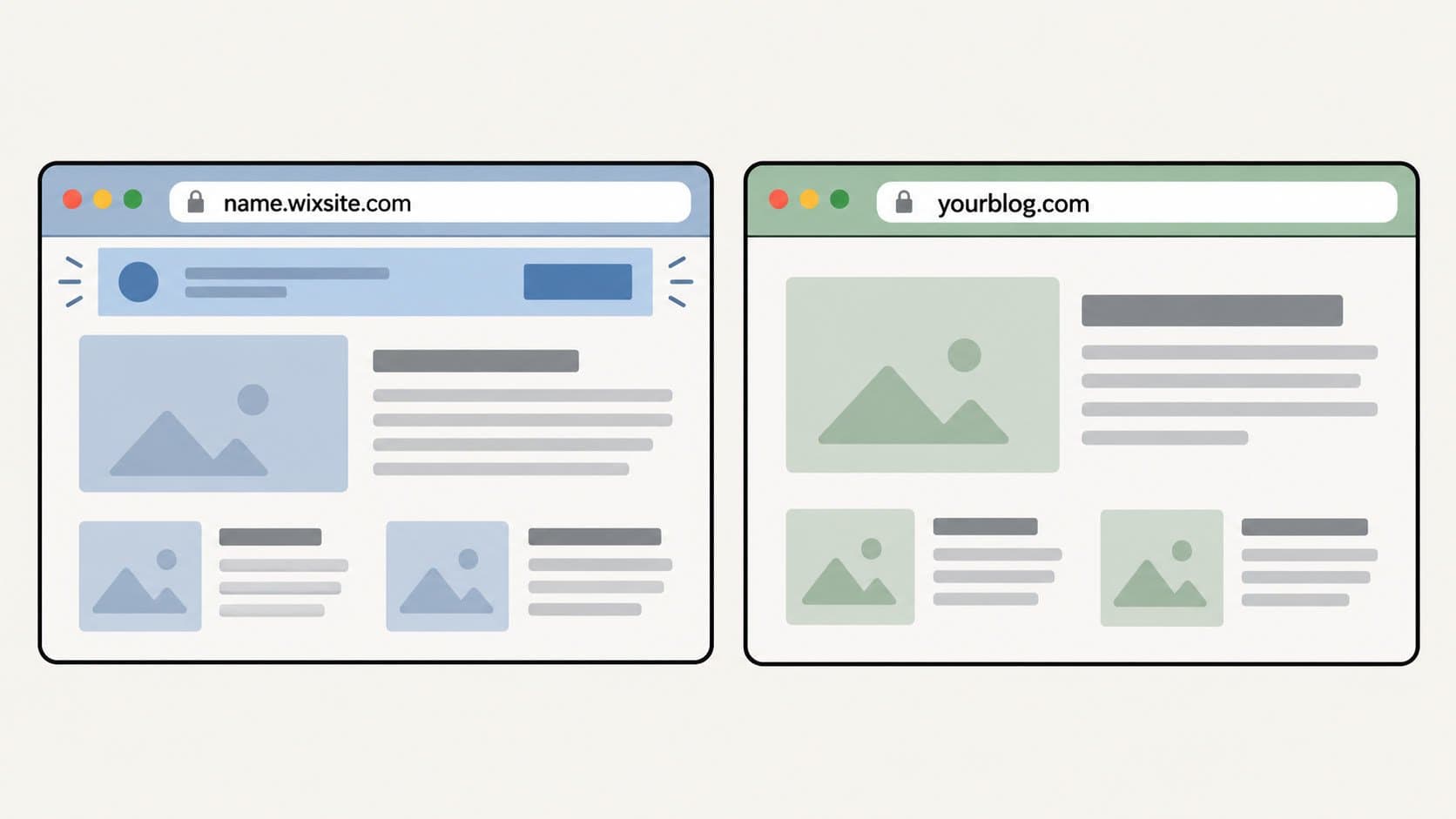
The table covers most of it. Wix's free plan has the right price but gives you a wixsite.com address, puts Wix's banner ads on every page, and caps you at 500 MB of storage and 1 GB of bandwidth. The paid plan from $17/month removes ads and adds a custom domain. Neither plan lets your blog live at the /blog path of a site hosted somewhere else.
What Wix Does Well for Bloggers
To be fair: Wix is a real product with real strengths, and we are not going to pretend otherwise.
Setup takes minutes if you are already on Wix. Adding a blog to an existing Wix site is about five minutes of work. You install the Wix Blog app from the App Market, it creates your blog feed and post pages automatically, and you are writing. No hosting decisions, no plugin installs, no configuration to get wrong.
Templates are plentiful. Wix has a wide variety of blog-specific templates covering personal journals, food and travel, news and business, sports and wellness, and more. The editor gives you real control over layouts, post preview formats, fonts, and section design without code.
AI writing tools are baked in. Wix has AI tools built into the blog editor: you can brainstorm topic ideas, generate a post outline, draft a full post from a brief, and use an inline Content AI tool to rephrase, adjust length, or change tone on any selected text. These are more developed than what most hosted platforms offer.
Monetisation is genuinely broad. Wix supports Google AdSense with placement controls, subscription-gated content, donation forms, and inline product or booking links inside posts. For a blog that earns through multiple channels, the tools are all in one place.
Analytics are useful from day one. Per-post view counts, engagement data, reading time, and category performance are available in the dashboard. Paid plans add Google Search Console integration for search performance tracking.
Where Wix Falls Short for Bloggers
This is the part most Wix reviews skip entirely.
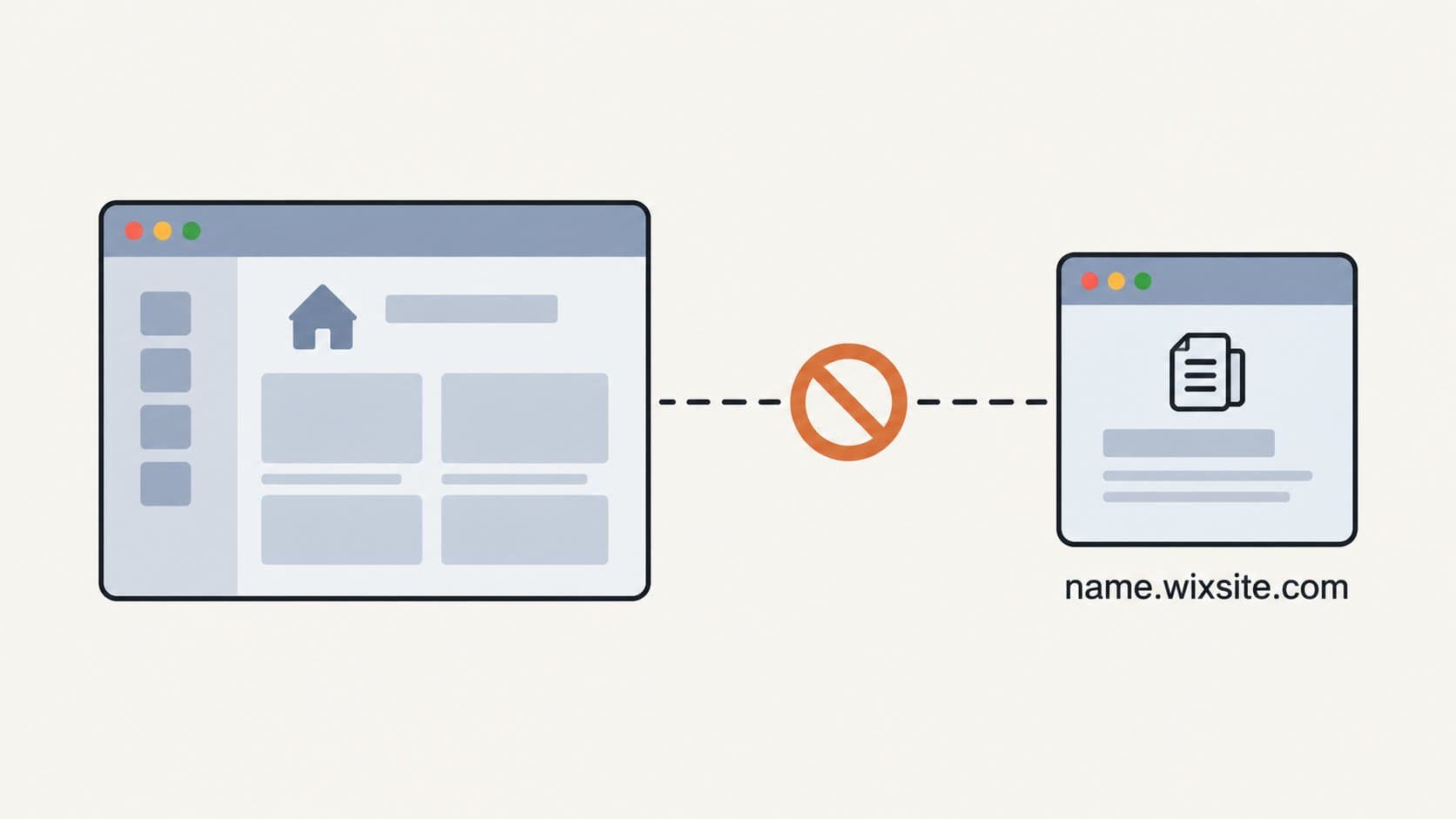
Your blog cannot live at yoursite.com/blog if your main site is hosted elsewhere. This is the single most important limitation for growth-focused bloggers, and it almost never gets mentioned. If your website runs on Webflow, Framer, Squarespace, a Next.js app, or anything other than Wix, you cannot route the /blog path to Wix. Every post you publish builds authority for wixsite.com, or at best for a separate subdomain. Not for your domain. That matters significantly for SEO over time.
The free plan makes your blog look unfinished. A blog at name.wixsite.com with Wix banner ads across the top is fine for a personal journal. For a business blog, a creator brand, or anything professional, it signals that you have not invested in your own presence. The paid plan removes that at $17/month billed yearly, but most competing free platforms include a clean domain and no ads without a monthly fee at all.
Storage and bandwidth limits catch bloggers off guard. 500 MB of storage sounds reasonable until you are three months in and publishing posts with multiple images. The 1 GB bandwidth cap can be hit in a single traffic spike. Outgrown limits pause your site rather than simply throttle it.
SEO control ends at the basics. Wix handles meta titles and descriptions, sitemaps, and structured data. It does not offer the technical control that growth-focused bloggers eventually need: full page speed control, canonical configuration in edge cases, or custom schema beyond the defaults. Wix scores well on Core Web Vitals in our best CMS for SEO comparison, but it trades off granular technical control for ease of use, and that trade-off matters once you are competing in higher-difficulty keywords.
Leaving Wix later is work. Content can be exported as XML, but images, formatting, and URL structure do not migrate cleanly to another platform. If you are not certain Wix is a long-term home, starting elsewhere avoids a difficult migration down the road.
The Free Plan in Plain Terms
Wix Free includes:
Unlimited blog posts and drafts
Basic SEO settings (meta titles, descriptions, sitemap, structured data)
Categories, tags, scheduling, and comments
AI writing tools (topic brainstorming, outline generation, full post drafting, Content AI)
Post-level analytics
Mobile app for writing and managing posts
Wix Free does not include:
A custom domain (you get name.wixsite.com)
An ad-free experience for readers
More than 500 MB of storage or 1 GB of bandwidth
The ability to host your blog at yoursite.com/blog
The paid plan from $17/month billed yearly removes ads and adds a custom domain. That is the realistic entry point for any blog with professional intent on Wix.
Who Wix Is Right For (and Who It Is Not)
Wix works well if:
You already have a Wix site and want to add content without switching platforms
You run a personal blog where the writing matters more than the SEO
You want one tool to manage your site, blog, bookings, store, and email list
You are happy paying a monthly plan once your blog needs a clean domain
Wix is the wrong call if:
You want your blog at yoursite.com/blog while your main site lives on another platform
You need a free plan without ads and a subdomain that is branded to you, not to Wix
Organic search growth is a primary goal and you want full technical SEO control
You are a newsletter writer or creator who wants clean content ownership and no platform-imposed ad experience for your readers
If you are in that last group, the tradeoffs between Substack vs. a standalone blog are also worth reading before committing anywhere.
How to Set Up a Wix Blog
If Wix fits your situation, the setup is fast.

Sign up at wix.com. Select Blog as your site type. Wix will ask a few questions and either generate a design using AI or let you choose from its blog template library.
In the editor, open Add Apps from the sidebar and install the Wix Blog app if it is not already there.
Go to Settings, then SEO, and set your blog homepage's meta title and description. Do not leave the defaults.
Create your first post. Set the SEO title, meta description, and URL slug manually before publishing. Wix auto-generates slugs from the post title, which often produces long, keyword-stuffed URLs.
If you are on a paid plan, connect your custom domain under Settings, then Domain.
On paid plans, connect Google Search Console under Marketing, then SEO Tools.
One thing most tutorials miss: go to Blog Settings and review the URL prefix Wix adds to your post URLs (by default it includes a /post/ path). You can remove it from SEO Settings to keep URLs cleaner.
How We Evaluated Wix for Bloggers
We compared Wix's free and paid plans against their published pricing and feature pages, last verified at time of publication. The evaluation criteria are the ones that matter when you are deciding where to host a blog: cost, domain ownership, ad presence, storage and bandwidth limits, SEO controls, and whether the blog can run on your existing domain. Where Wix is the right choice, we say so. Where it is not, we name the alternatives and link to them.
If Your Goal Is a Blog on Your Own Domain, for Free
This is where Outrank Blogs fits. The free plan covers up to 10,000 visits per month, includes unlimited posts, and puts your blog on your own domain or subdomain with no monthly fee and no banner ads (only a small "Published with Outrank" footer badge).
The part that matters most for people with an existing site: setup guides walk you through putting your blog at yoursite.com/blog on Next.js, Vercel, Netlify, Cloudflare, nginx, Webflow, and Framer. Your Wix site can stay exactly as it is; the blog just lives at a subdomain alongside it.
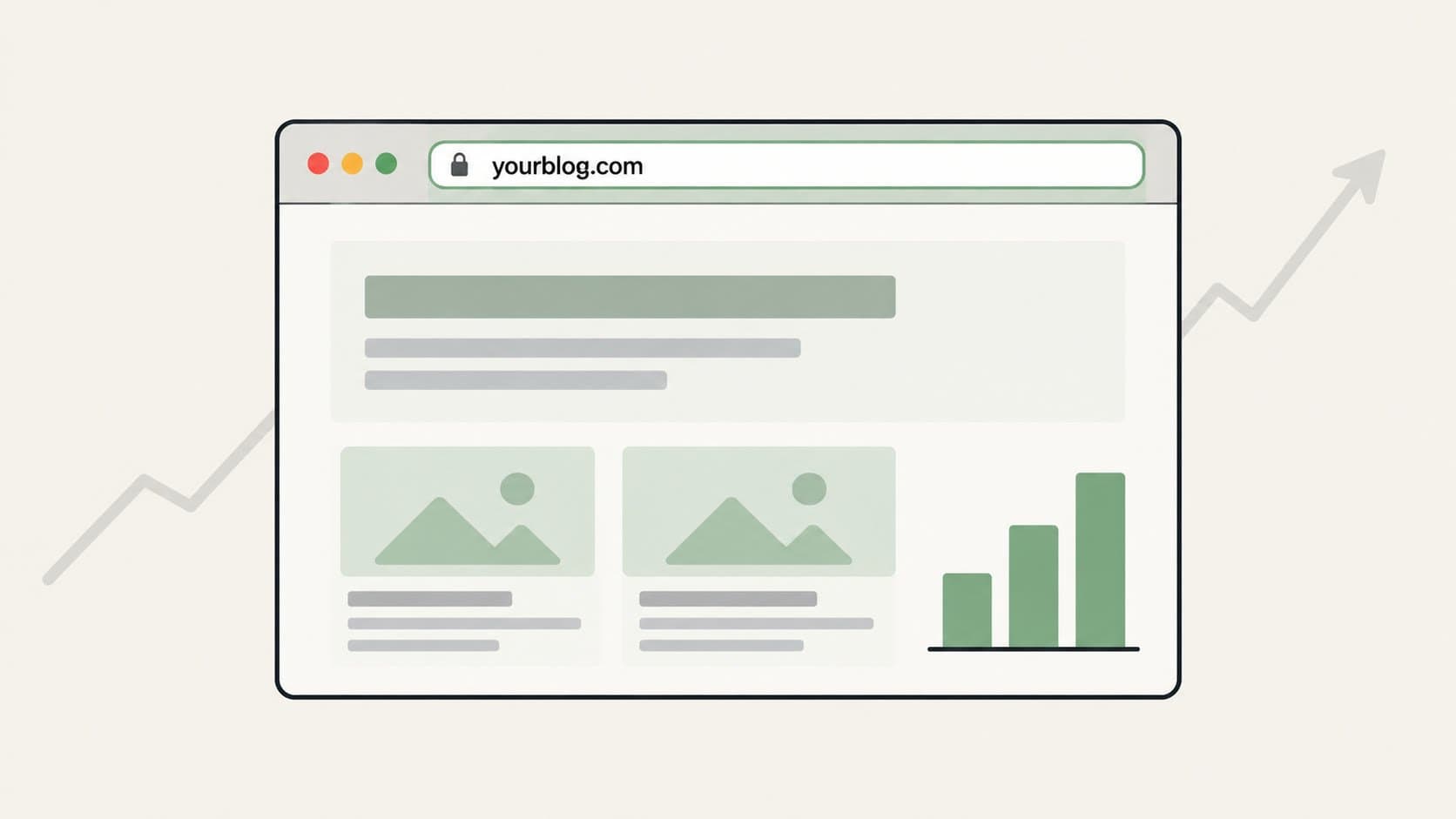
It is a narrower tool than Wix. No drag-and-drop site builder, no booking system, no store. If you need those, Wix is the right call. If you need a blog that builds your own domain's authority from day one, the Outrank Blogs free plan is a more direct fit.
When your content needs outgrow what you can write yourself, the Organic Growth plan ($99/month) adds 30 AI-written SEO articles per month with keyword research, automatic internal linking, and backlinks. See also Wix alternatives for bloggers and our breakdown of Webflow vs. Wix if you are also evaluating site builders.
Frequently Asked Questions
Is Wix good for blogging?
Wix is a solid choice for personal blogs and for adding content to an existing Wix site. It has strong templates, built-in AI writing tools, and a useful monetisation setup. For bloggers focused on SEO growth, a clean domain on the free plan, or hosting a blog separately from a site on another platform, Wix has real structural limitations.
Is the Wix blog free?
Yes, Wix includes a free-forever plan with unlimited posts and basic SEO settings. The free plan puts ads on your blog, limits your site to a wixsite.com subdomain, and caps storage at 500 MB with 1 GB of bandwidth. Removing ads and adding a custom domain requires a paid plan starting at $17/month billed yearly.
Can I use Wix just for a blog, without building a full site?
Yes. You can set up a Wix account, pick a blog template, and publish without building out other pages. You still have a full Wix account, but the site is centred on the blog.
Why are bloggers leaving Wix?
The most common reasons: the blog cannot live at yoursite.com/blog if your main site is hosted elsewhere, the free plan requires a Wix subdomain and shows ads, SEO control is limited compared to self-hosted platforms, and migrating off Wix later is non-trivial. Most people who leave cite one of those four.
Can my Wix blog live at mysite.com/blog?
Only if your main site is also on Wix. Wix cannot serve a blog at the /blog path of a site hosted on Webflow, Squarespace, Framer, or a custom stack. In those cases, the blog needs its own subdomain (blog.mysite.com) or a separate domain. For a blog that can run at yoursite.com/blog on any stack, Outrank Blogs' setup guides for Next.js, Vercel, Netlify and others are a starting point.
Is Wix good for SEO?
Wix covers the SEO basics well: meta titles and descriptions, XML sitemaps, structured data, and canonical tags. It lags behind self-hosted WordPress, Ghost, and Webflow for bloggers who need granular technical control. Page speed is a recurring concern on Wix, since it is tied to the platform's shared infrastructure. For a deeper comparison, our best CMS for SEO guide covers ten platforms on the specific controls that affect rankings.