

Most Medium vs WordPress comparisons land in the same place: WordPress wins on control, Medium wins on simplicity. Then comes the advice to go self-host WordPress.org.
That advice mostly misses the point. Self-hosted WordPress.org requires paying for hosting, configuring plugins, managing updates, and setting up security. That's a solid choice for a business site, but it's not what most people mean when they ask "should I use Medium or WordPress to start a blog?"
The comparison that actually matters is Medium vs WordPress.com (the free hosted version). Both are free, both handle the technical side for you, both let you publish without touching a server. Here's how they stack up, and where both fall short.
At a Glance: Medium vs WordPress.com vs Outrank Blogs
| Medium | WordPress.com (Free) | Outrank Blogs (Free) | |
|---|---|---|---|
| Price | Free to publish | Free (with ads) | Free up to 10,000 visits/month |
| Custom domain | Paid membership ($5/month) | Paid plan only (~$4/month) | Yes (free tier) |
| Your own subdomain | username.medium.com | username.wordpress.com | username.outrankblog.com |
| Built-in audience | Yes (Medium's reader base) | No | No |
| SEO: your domain benefits | No (ranks medium.com) | Partial (.wordpress.com) | Yes |
| Storage limit | Unlimited | 1 GB | Unlimited posts |
| Traffic limit | None | None | 10,000 visits/month |
| Ads shown | None to readers | WordPress.com ads | None |
| Monetization | Partner Program (paywalled stories) | WordAds (paid plans) | Upsell to paid plan |
| Setup time | 5 minutes | 10–15 minutes | 5 minutes |
| Plugins/extensions | None | None (free plan) | None (free plan) |
What Medium Actually Is
Medium is a publishing network, not a blog builder. You write on Medium's platform, your posts live at medium.com/your-username, and Medium's algorithm distributes them to readers who follow topics you write about.
It launched in 2012 as a place for thoughtful long-form writing. Today, it has millions of active readers and a Partner Program that pays writers based on reading time from subscribers. The writing editor is clean and minimal. There's nothing to configure. You can publish in under ten minutes with zero setup.
The catch: your content lives on Medium's domain, not yours. If you stop publishing, your audience doesn't follow you anywhere. If Medium changes its algorithm or business model, your distribution changes too.

What WordPress Actually Is (And Why There Are Two Versions)
This is where most comparisons go wrong. "WordPress" refers to two different things:
WordPress.org is free, open-source blogging software you install on your own web server. You pay for hosting separately (typically $5–15/month), manage updates yourself, and configure everything from themes to security plugins. It's powerful and gives you full control, but it's not a beginner-friendly free option. This is what most articles are comparing against Medium, and it's not a fair fight because they're not really the same type of product.
WordPress.com is a hosted blogging service built on the same software. The free plan gives you a .wordpress.com subdomain, 1 GB of storage, and a functional blog with no server setup. It looks and feels much closer to Medium: pick a template, start writing, publish. The main limitation is that the free plan displays WordPress.com ads on your site, and a custom domain requires upgrading to a paid plan (~$4/month billed annually).
For someone who just wants to start a free blog: the comparison is Medium vs WordPress.com, not Medium vs self-hosted WordPress.org.

Medium vs WordPress.com: The Real Comparison
Setup and Ease of Use
Both are genuinely easy. Medium's signup-to-first-post flow is about 5 minutes: create an account, start writing, hit publish. WordPress.com takes a bit longer: pick a theme, name your site, configure a few settings, and you're still done in under 20 minutes total.
Medium's writing experience is cleaner. The editor is distraction-free, inline formatting only, no sidebar of settings to navigate. WordPress.com's editor (Gutenberg) is more powerful but also more cluttered. If your priority is just sitting down and writing, Medium wins on the editing experience.
Audience and Discovery
This is where Medium has a real, genuine advantage that's worth acknowledging directly.
Medium has an existing reader base. When you publish there, your story can be distributed to people who already follow that topic on Medium — people who didn't know you existed. The Partner Program means your stories can appear behind Medium's paywall and earn money from subscriber reading time.
WordPress.com has zero built-in distribution. When you publish a post, nobody sees it unless you share the link or rank it on Google. If you're starting from zero and want to reach readers quickly without building an SEO strategy, Medium's network is a real differentiator.
For newsletter writers or creators who already have an audience elsewhere, this doesn't matter much. But for writers starting from nothing: Medium's distribution is the strongest argument for choosing it.
SEO and Domain Ownership
This is the most important consideration that most comparison articles handle too lightly.
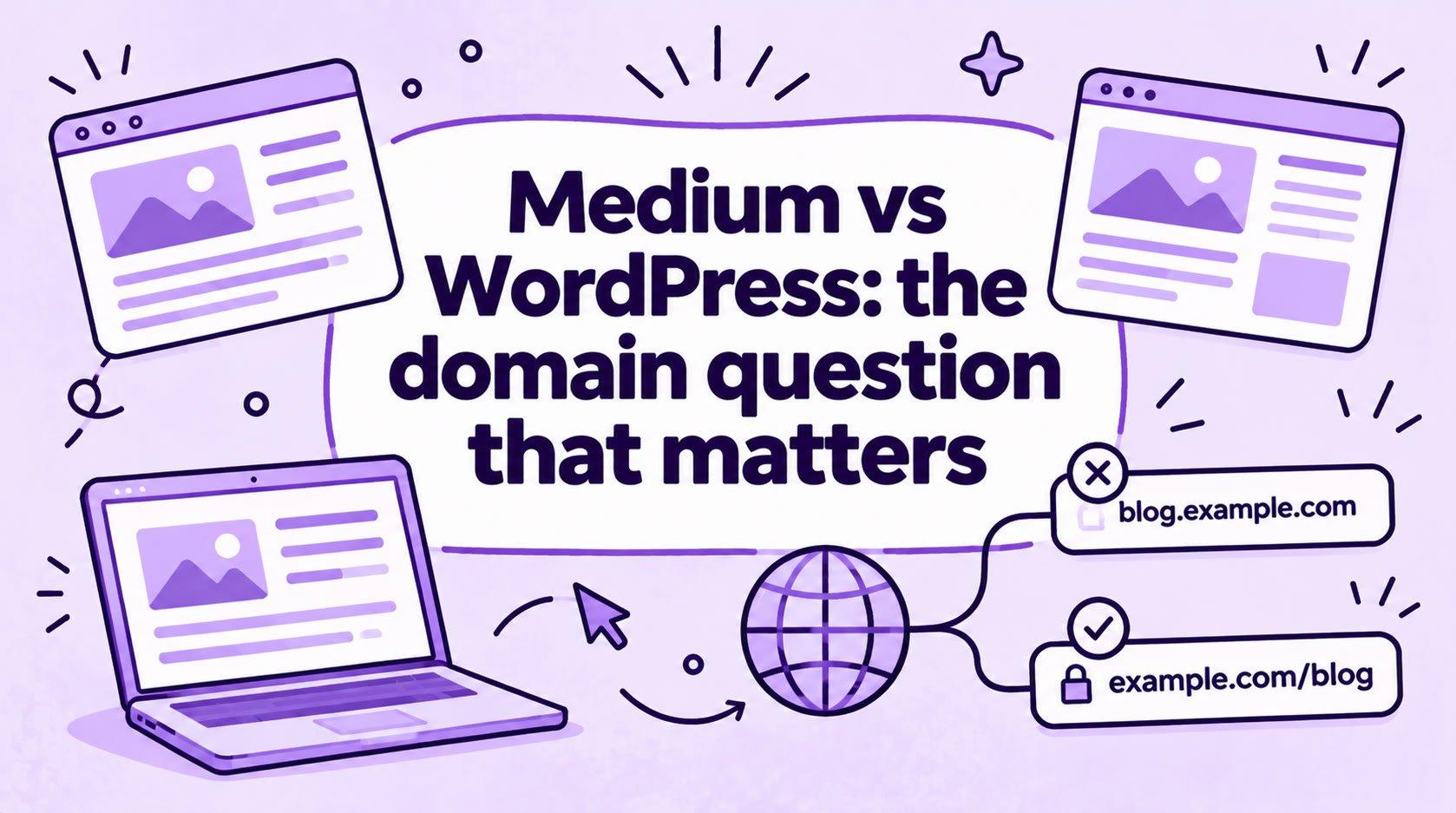
When you publish on Medium and your post ranks on Google, the traffic goes to medium.com, not to your domain. You're contributing to Medium's domain authority, not building your own. When you stop publishing on Medium, all that accumulated SEO value stays with Medium.
WordPress.com's free plan has a similar issue. Your blog lives at username.wordpress.com. Any SEO equity you build goes to the .wordpress.com subdomain, which you don't own. The moment you switch to a custom domain (even if you stay on WordPress.com), you're starting your SEO from scratch.
For anyone who wants to build a blog that grows through organic search over time, this is the most consequential factor in the whole comparison. Your content should build authority for a domain you control.

Content Ownership and Platform Risk
You can export your Medium posts (via the Data Export tool), but there's a critical limitation: your followers, stats, and distribution stay on Medium. You're taking your content but leaving your audience behind.
WordPress.com lets you export your content as an XML file compatible with self-hosted WordPress.org, which makes migration easier if you outgrow the free plan. That portability is a genuine advantage.
Both platforms have changed their terms significantly over the years. Medium has introduced and modified the Partner Program, changed its paywall mechanics, and adjusted how content is distributed, all without asking writers. WordPress.com has introduced plans and pricing changes that affected free-tier users.
This is the platform dependency risk. The bigger your blog grows on someone else's platform, the more you have to lose if the platform changes direction.
When Self-Hosted WordPress.org Actually Makes Sense
Worth naming the exception clearly: if you're building a business site that also has a blog, or if you need e-commerce, complex templates, specific plugins, or complete control over your site's code, self-hosted WordPress.org is the right answer. The setup overhead is real but manageable, and you get a platform that can scale to anything.
For a writer who just wants to publish and grow: the setup cost rarely pays off in year one.
What Both Get Wrong for Writers Who Want to Grow
Here's the gap neither platform fully solves:
Medium doesn't let your blog build your own domain's SEO. All that writing effort builds medium.com's authority.
WordPress.com (free) puts your content on a .wordpress.com subdomain, limiting your SEO potential, and displays their ads on your site.
Self-hosted WordPress.org gives you full SEO control and your own domain, but costs money (hosting), time (setup and maintenance), and technical attention (security, updates, speed).
The specific thing that's missing: a free hosted blog where you own the domain and get proper SEO infrastructure out of the box, without touching a server.

A Third Option Worth Knowing About
Outrank Blogs is built for this exact situation. The free plan is $0, supports unlimited posts, handles up to 10,000 visits/month, and includes a block-based editor with the SEO basics already set up: sitemap, RSS, structured data, and IndexNow for fast Google indexing.
You get a free .outrankblog.com subdomain to start, with the option to connect your own domain. The technical infrastructure (the parts that make a blog indexable and fast) is handled for you, the same way Medium handles it, but on a domain you control.
It's the write-and-publish simplicity of Medium without the trade-off of building someone else's domain. And it doesn't require configuring a WordPress.org installation to get there.
If you're deciding between Medium and WordPress specifically because you want to grow traffic through content over time, that's the trade-off worth understanding before you pick.
Why Trust This Article
We evaluated Medium, WordPress.com (free tier), WordPress.org (self-hosted), and Outrank Blogs against the same criteria: setup time, pricing and plan limits, custom domain availability, SEO infrastructure (sitemap, structured data, domain ownership), content portability, and built-in distribution. Pricing and plan limits reflect current terms at time of writing; verify any figures before making your final decision. We write for Outrank, so we have an obvious interest in Outrank Blogs, but we've tried to be clear about where Medium's built-in audience is a genuine advantage our product doesn't replicate.
Outrank Blogs: The Short Version
If you want to start a free blog and care about whether your writing builds traffic on a domain you own: Outrank Blogs is worth five minutes of your time. Free plan, unlimited posts, SEO infrastructure included, up to 10,000 visits/month. No server setup.
If you want to reach readers who don't know you exist yet, and you're willing to build on Medium's platform rather than your own domain: Medium's distribution and Partner Program are the real deal.
If you're building a full business site that happens to need a blog: WordPress.org with good hosting is the right long-term answer.
Further Reading
Frequently Asked Questions
Is Medium free to use?
Yes. Medium is free to publish and free to read most content. The Partner Program, which lets writers earn from their stories, is funded by Medium's $5/month membership. Writers can publish freely without joining the Partner Program, though unpaywalled stories don't generate Partner Program earnings.
Is WordPress free for blogging?
WordPress.com has a free plan that gives you a .wordpress.com subdomain, 1 GB storage, and a functional blog. It displays WordPress.com ads on your site. A custom domain and ad-free experience require a paid plan. Self-hosted WordPress.org software is free, but you still pay for web hosting (typically $5–15/month).
Does Medium help you get found on Google?
Medium has strong domain authority, so stories published there can rank on Google. But the traffic goes to medium.com, not your own domain. You're building SEO value for Medium's platform, not your own site. If long-term search traffic on your own domain is the goal, publishing on Medium doesn't help you build it.
Can you use a custom domain with Medium?
Not on the free plan. Medium previously offered custom domains for free, but that feature is now included with the paid membership ($5/month or $50/year).
What's the difference between WordPress.com and WordPress.org?
WordPress.com is a hosted service — you sign up, pick a template, and publish, with no server setup. WordPress.org is free open-source software you install on your own web hosting. They share the same underlying code but are completely different products in terms of setup complexity, cost, and what you control. Most "Medium vs WordPress" articles compare Medium against WordPress.org, which isn't a fair comparison for someone looking for a free, easy-to-start blog.
Which platform is better for SEO: Medium or WordPress?
For building SEO on your own domain, neither the free plan of WordPress.com nor Medium is ideal: Medium builds medium.com's authority, WordPress.com (free) builds .wordpress.com's authority. Self-hosted WordPress.org gives you full SEO control at the cost of setup and hosting fees. A free hosted blog with its own domain and built-in SEO infrastructure (sitemap, structured data, IndexNow) is the third option worth considering.
Can I move my blog from Medium or WordPress.com later?
Both platforms let you export your content. Medium provides a data export with your posts in HTML format. WordPress.com provides an XML export compatible with WordPress.org, making migration easier. What you can't take with you: your follower relationships on Medium, your SEO rankings on the .wordpress.com subdomain, and in both cases, any audience that found you through the platform's own discovery features.