To start a business blog, pick a hosted platform, connect a domain you own, and publish your first post. The platform decision matters more than most guides admit: where your blog lives determines whether your SEO equity builds on your domain or someone else's. For a free, zero-setup option with SEO basics included from day one, Outrank Blogs, WordPress.com, or Ghost.org are the places worth looking at first.
Here is the part most guides skip. Before content strategy, editorial calendars, and audience personas, you need to answer a simpler question: where is this blog actually going to live, and will that platform quietly work against you three months in?
The Platform Decision Matters More Than You Think
Most business blog advice waves this away with "just use WordPress." But WordPress.com (the hosted version most beginners end up on) and self-hosted WordPress.org are completely different products. Medium looks free until you realise your content lives on Medium's domain, not yours. Substack is excellent for newsletters but was not designed to be a searchable business blog.
These are not small distinctions.
The platform you choose affects how your blog shows up in search, whether you actually own your content and audience, what your URL structure looks like, and how much technical overhead you are signing up for. Get this wrong and you can spend months building something on someone else's land.
What to Look For Before You Commit
Run every option through these five checks before you sign up:
SEO basics built in, not bolted on. Does the platform auto-generate a sitemap? Does it support structured data for article schema? Does it notify search engines when you publish? These should come standard, not as plugins you have to configure yourself.
Your content lives on your domain, or can. Publishing on medium.com/@you or substack.com/@you means your SEO equity accumulates on their site. A business blog should live at yourdomain.com/blog, or at minimum on a branded subdomain you control.
Setup is measured in hours, not days. If you are spending more than a couple of hours getting a basic blog live, the friction is a sign, not a challenge to push through.
No hidden traffic limits. Some free plans throttle your reach or inject ads once you grow past a threshold. Read the fine print before you commit to a publishing schedule there.
The editor does not get in the way. A clunky writing interface slows you down more than any content strategy issue. You should be able to open it, write, and publish, without a learning curve every time.
Free and Low-Cost Business Blogging Platforms: A Realistic Comparison
| Platform | Free plan | Custom domain on free | Visit limit | SEO basics included | Best for |
|---|---|---|---|---|---|
| Outrank Blogs | Yes ($0) | Yes (own domain or subfolder) | 10,000/month | Yes: sitemap, RSS, structured data, IndexNow | Solopreneurs, small businesses, zero technical setup |
| WordPress.com | Yes (with ads) | Paid tiers only | Unlimited on paid | Basic (sitemap yes, schema limited) | People prepared to move to a paid tier eventually |
| Blogger | Yes | Yes (custom domain) | Unlimited | Minimal | Personal projects; not a strong business SEO choice |
| Medium | Yes | No (medium.com/@you) | Unlimited | Limited; canonical risks for SEO | Writers building audience inside Medium's platform |
| Substack | Yes | Yes ($50 one-time fee) | Unlimited | Limited; not designed for search | Newsletter-first writers, not search-first blogs |
| Ghost (Ghost.org) | No (from $18/month, billed yearly) | Yes | Unlimited | Yes, comprehensive | Teams with a budget who want a premium publishing experience |
On Medium and Substack: Both are excellent platforms for reaching their built-in audiences. Neither is the right call if your primary goal is a business blog that ranks in Google search. Substack does let you connect a custom domain for a one-time $50 fee, but your newsletter emails still go out from a substack.com address, and the platform was built for subscriber growth, not search visibility. If organic search is one of your acquisition channels, use a platform where the content builds authority on your domain from the start.
On Blogger: It still exists, and Google still runs it, but it has not been meaningfully updated in years. It is fine for a personal hobby blog. For a business where organic search is a growth channel, the lack of modern SEO tooling is a real cost.

Two Ways to Set This Up
How you approach setup depends on your starting point.
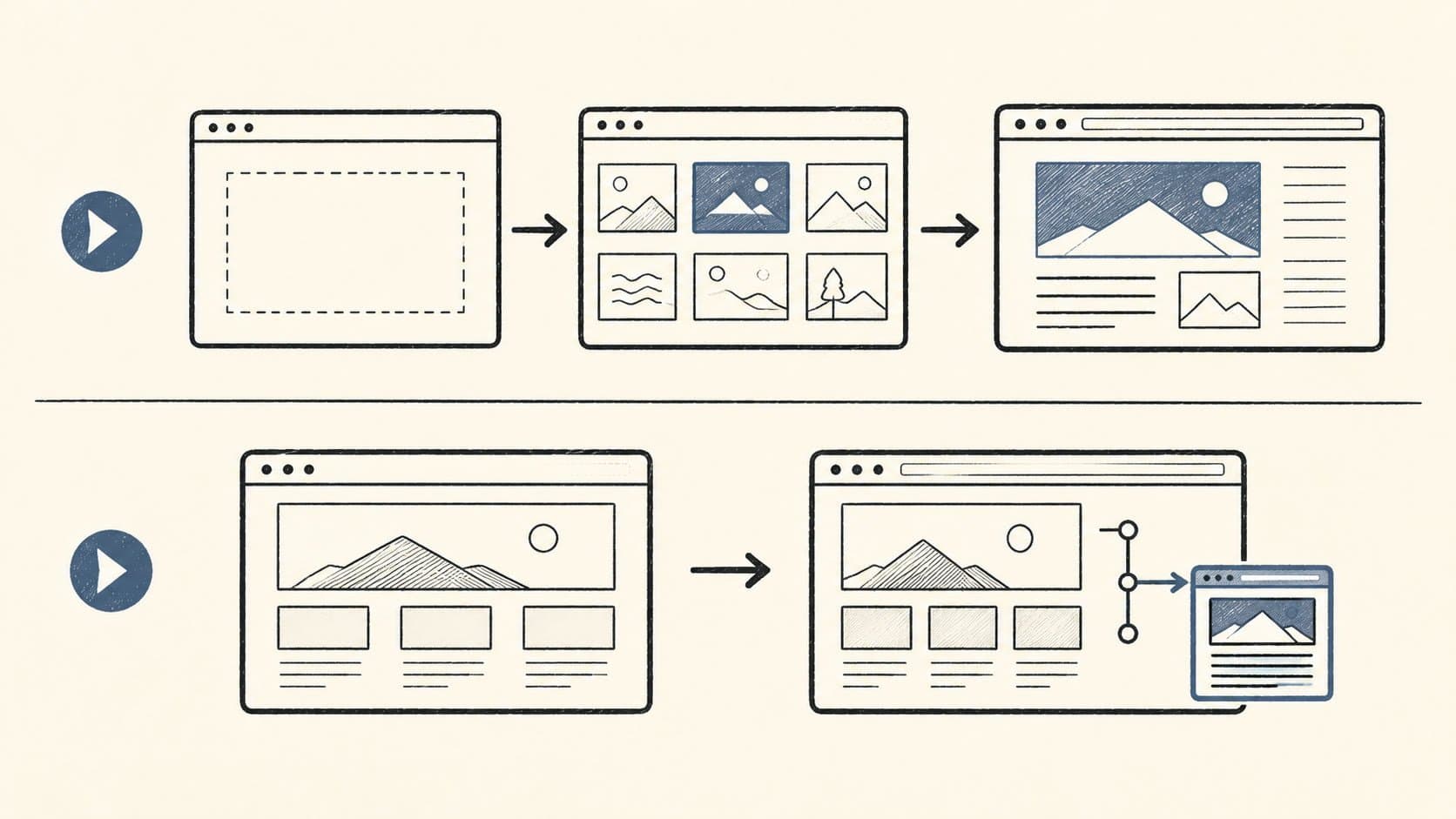
You are starting from scratch
No existing website, or you want the blog to stand alone. In this case: pick a hosted platform, choose a template, connect your domain (or use the free subdomain to start), and write your first post. On Outrank Blogs, that flow takes a couple of hours at most.
You already have a website and just want to add a blog
You have a site on Webflow, Framer, Next.js, Vercel, or something similar. You do not want to rebuild it. You just need a blog section. The cleanest approach is to point a subfolder (yourdomain.com/blog) at a hosted blog service, so your main domain gets the SEO credit rather than a separate subdomain.
Outrank Blogs supports this setup directly: connect your own domain or subfolder instead of publishing on the outrankblog.com subdomain. Your main site keeps its stack, and your blog content builds authority on your domain. Step-by-step setup guides are available for Webflow, Next.js, and other common stacks.
Getting Your Blog Live: The Actual Steps
Once you have chosen a platform:
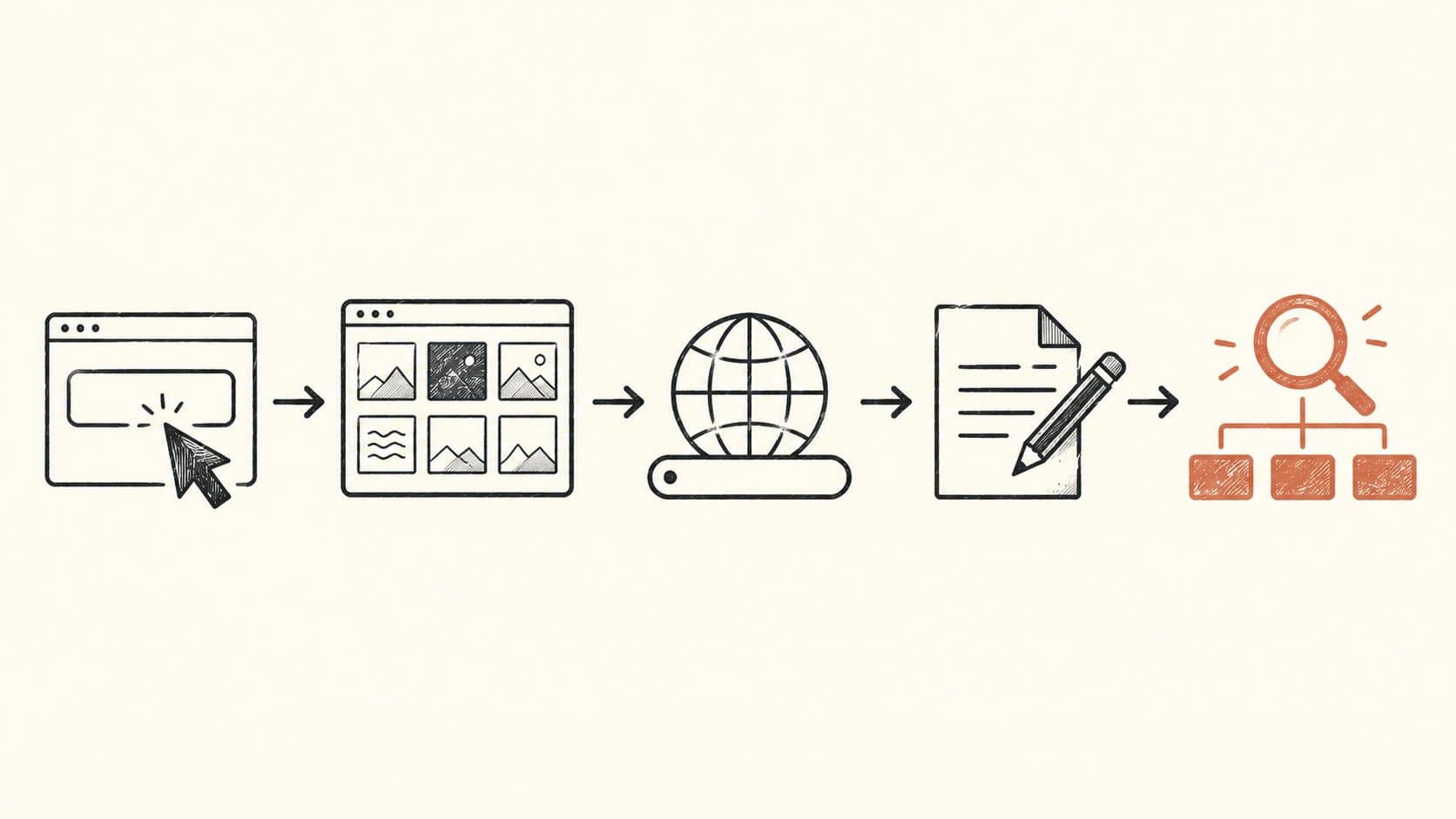
Sign up and pick a template. Do not overthink the template. Clean, fast, and readable beats clever every time. You can change it later, once you have readers to care about.
Set your domain. Connect your own domain if you have one. If you do not, start on the free subdomain and migrate when you are ready. The migration on a hosted platform like Outrank Blogs is a single settings change.
Fill in the basics. Blog name, tagline, logo. These pull into your metadata automatically on a good platform, so they matter beyond how they look on the page.
Write your first post. Not a company announcement. Not an "introducing our blog" post. Write something that answers a real question your customers or prospects are searching for. Eight hundred words, specific and useful, is more valuable than a perfectly crafted content calendar you never execute.
Verify your sitemap. Most hosted platforms generate one automatically at
/sitemap.xml. Go check that it is there. This is the file search engines use to discover your posts.
The SEO Basics That Actually Matter at the Start
You do not need to become an SEO expert to get your business blog indexed and found. A few things matter from the beginning, and the rest can wait.
Each post targets one clear question or search term. Not company updates. Something specific your customers type into Google.
Title tags and meta descriptions are set. Most platforms pull these from your post title and excerpt. Confirm they are not being cut off or left blank.
You are on HTTPS. This should be automatic on any reputable hosted platform. If it is not, change platforms.
Posts link to each other where relevant. Internal links build the structure search engines follow across your site. When you write your second post, link to the first if the topics connect.
The rest (keyword research, content briefs, backlinks, structured content at scale) comes after the blog is live with a handful of posts. Building those systems before you have a working blog is skipping steps.
How We Put This Guide Together
We built Outrank Blogs and the publishing tools that run it. In putting together this guide, we compared every major free and low-cost hosted blog option against the criteria above: custom domain support on the free tier, whether SEO basics come built in or require configuration, visit or post limits, and how fast a non-technical founder can get from signup to first published post.
We are direct about where competitors are genuinely stronger for certain use cases. Substack is better if you are newsletter-first with an existing subscriber base. Ghost is a better fit if you have a budget and want a polished, premium experience. Medium is worth publishing on if reaching its internal audience is the goal. These are real trade-offs, not competitors we are pretending do not exist.
The platform choice question is the one we hear most from new business bloggers, and it is the one most guides handle least seriously.
Where Outrank Blogs Fits In
If you want zero technical setup and a hosted blog with SEO basics already handled, Outrank Blogs is what we built for this exact situation.
Free plan: $0, up to 10,000 visits/month, unlimited posts, connect your own domain or subfolder, block-based editor, sitemap, RSS, structured data, and IndexNow built in from day one. Free blogs show a small "Published with Outrank" badge in the footer.
When you are ready to scale content rather than write everything yourself, the Organic Growth plan ($99/month) adds 30 AI-written SEO articles a month, keyword research, automatic internal linking, backlinks, no visit limit, and no badge. You do not need to think about that to start. Get the blog live first.
Not sure which platform fits your situation? The best free blogging platforms comparison walks through each option in more depth. And if cost is the main driver, how to start a blog for free covers the zero-spend setup path from start to finish.
Frequently Asked Questions
Do I need a custom domain to start a business blog?
Not on day one, but you should plan for it. A free subdomain (like yourname.outrankblog.com) gets you live immediately. As soon as you have content you are confident in, connect your own domain so your SEO equity builds in the right place. On most hosted platforms, this is a single settings change and does not require rebuilding anything.
What is the difference between WordPress.com and WordPress.org?
WordPress.org is the self-hosted version: you download the software, pay for hosting separately, and manage updates and security yourself. It is powerful and fully customisable, but it is not free once you factor in hosting, and setup takes time. WordPress.com is the hosted version: simpler, but the free tier includes ads on your blog and does not allow a custom domain. They share a name but are genuinely different products.
Can I start a business blog on Substack or Medium?
You can, but there is a real SEO trade-off. Content on Medium lives on medium.com with no custom domain option. Substack lets you connect a custom domain for a one-time $50 fee, but your newsletter emails still come from a substack.com address, and the platform is built for subscriber growth rather than search visibility. For a business blog where organic traffic is an acquisition channel, a platform where your content lives on your own domain from the start is the better call.
How often should I publish to a business blog?
Consistency matters more than frequency. One well-researched post per week beats five rushed ones, and one solid post per month beats an empty blog you meant to fill. Start with whatever cadence you can sustain, then build from there once you have the process working.
What should my first business blog post be about?
The most useful first post answers a specific question your prospective customers search for before they become customers. Not a company update, not an introduction to the team. A real how-to or explainer on something in your industry. Look at what your competitors rank for, pick one topic, and write something more specific and more current than what is already ranking.
Does Outrank Blogs support connecting to an existing website's subfolder?
Yes. If you have an existing site and want your blog at yourdomain.com/blog rather than on a separate subdomain, Outrank Blogs supports subfolder connection. This is the cleanest setup for business SEO because all traffic goes to your main domain, not a second one.
Is the free plan enough to get started?
For most small businesses starting out, yes. The Outrank Blogs free plan covers up to 10,000 visits per month with unlimited posts and all SEO basics included. The paid Organic Growth plan ($99/month) makes sense once you want to scale content production, not write everything yourself. Start free, upgrade when the volume justifies it.